
Have you ever received an email that looked completely legitimate, perfect grammar, right tone, even mentioned a project you're actually working on, only to realize later it was a scam? If that sounds familiar, you're not alone. And if it hasn't happened to you yet, there's a good chance it will.
Here's the reality for businesses in Gaylord and across Northern Michigan: phishing isn't what it used to be. Gone are the days of poorly written emails from "princes" asking for your bank details. Today's phishing attacks are powered by artificial intelligence, and they're incredibly convincing. The good news? With the right training and a few smart habits, your team can stay one step ahead.
Let's break down what's changed, what to watch for, and how to build a culture where your employees feel confident spotting, and reporting, these modern threats.
What Exactly Is AI-Generated Phishing?
Traditional phishing relied on generic messages blasted out to thousands of people, hoping someone would click. AI-generated phishing is a whole different animal.
These attacks use artificial intelligence to:
- Write flawless emails with perfect grammar and professional tone
- Personalize messages using information scraped from LinkedIn, company websites, and social media
- Mimic writing styles of specific people in your organization
- Generate convincing fake websites that look identical to legitimate login pages
In fact, recent studies show that AI-generated phishing emails now achieve click rates as high as 54%, far higher than traditional phishing attempts. That's not a typo. More than half of recipients are falling for these messages.
The scary part? AI can create a fully functional phishing campaign in about five minutes. It used to take human attackers 16 hours to craft something equally effective.
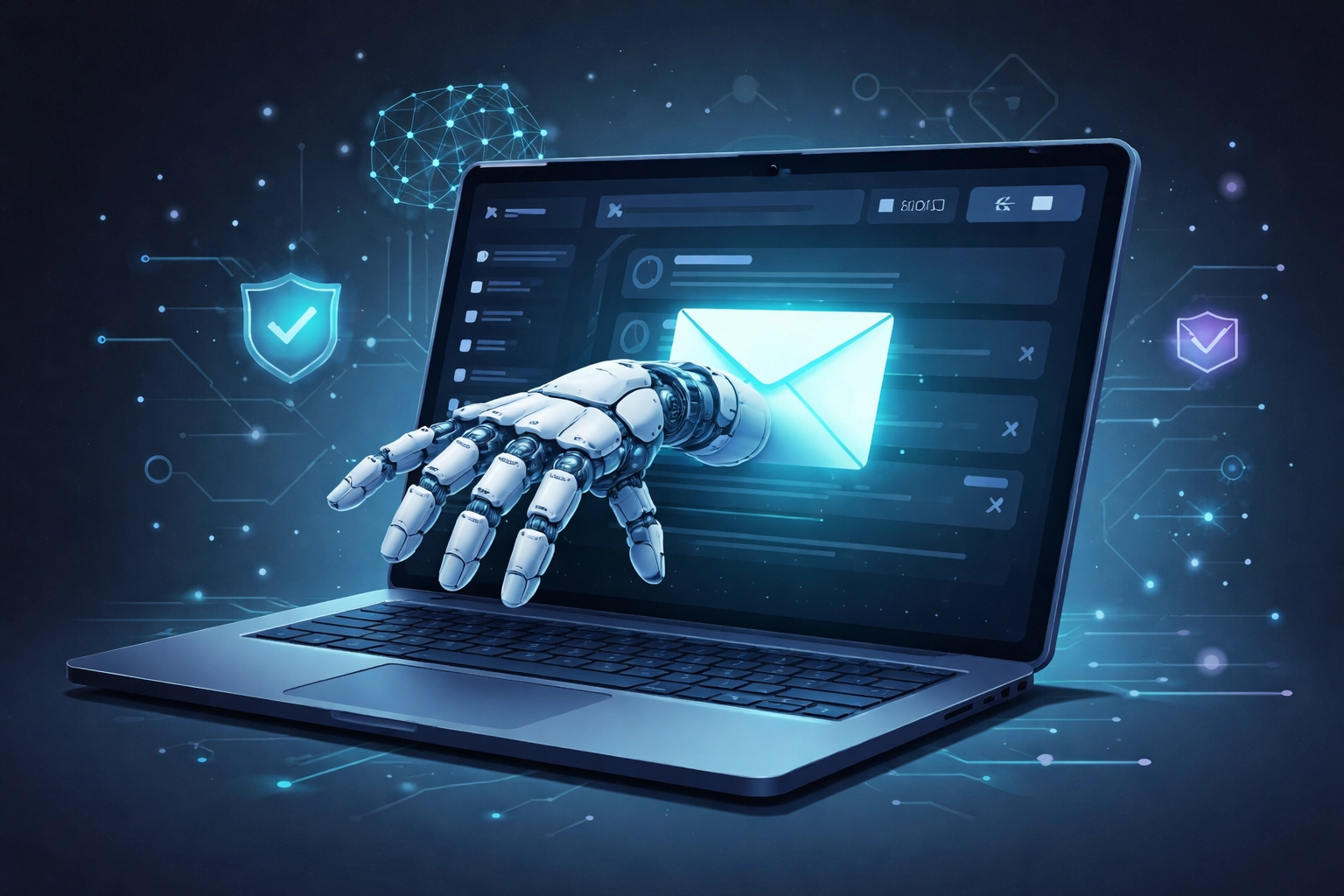
Why the Old "Red Flags" Don't Work Anymore
Remember when we told employees to watch for typos, weird formatting, or suspicious sender addresses? That advice is outdated.
AI-generated phishing has essentially eliminated those telltale signs. Here's what modern attacks look like:
- Perfect professionalism: No spelling errors, no awkward phrasing
- Hyper-personalization: References to real projects, actual vendors, or recent company news
- Legitimate-looking domains: Websites that mirror your actual login pages down to the last pixel
- Deepfake voicemails: Some attackers even use AI voice-cloning to follow up with phone calls
For Gaylord businesses, this means the old playbook needs an update. Your team can't rely on spotting obvious mistakes anymore, they need to think critically about every unexpected request.
Training Your Team: A Practical Approach
So how do you prepare your employees for threats they can't easily see? It starts with shifting the focus from "spot the error" to "verify before you act."
1. Teach Verification as a Habit
The single most effective defense against AI phishing is simple: verify unusual requests through a second channel.
Got an email from your boss asking you to wire money or share credentials? Don't reply to that email. Pick up the phone and call them directly using a number you already have. This one habit can stop the vast majority of attacks in their tracks.
2. Focus on Behavioral Anomalies
Train your team to notice when something feels "off," even if the email looks perfect:
- Is this request outside the normal workflow?
- Is there unexpected urgency?
- Is the timing unusual (like a request sent at 2 AM)?
- Does the sender normally communicate this way?
Ironically, an email that's too polished can be a warning sign. If it references specific internal details that would normally require multiple sources to know, that's worth a second look.
3. Make Training Regular (Not Annual)
A once-a-year security training isn't going to cut it anymore. Consider:
- Monthly micro-trainings: Short 5-10 minute refreshers
- Simulated phishing tests: Send practice phishing emails to see who clicks (and use it as a teaching moment, not punishment)
- Real-world examples: Share anonymized examples of actual phishing attempts your company has received
Building a Reporting Culture
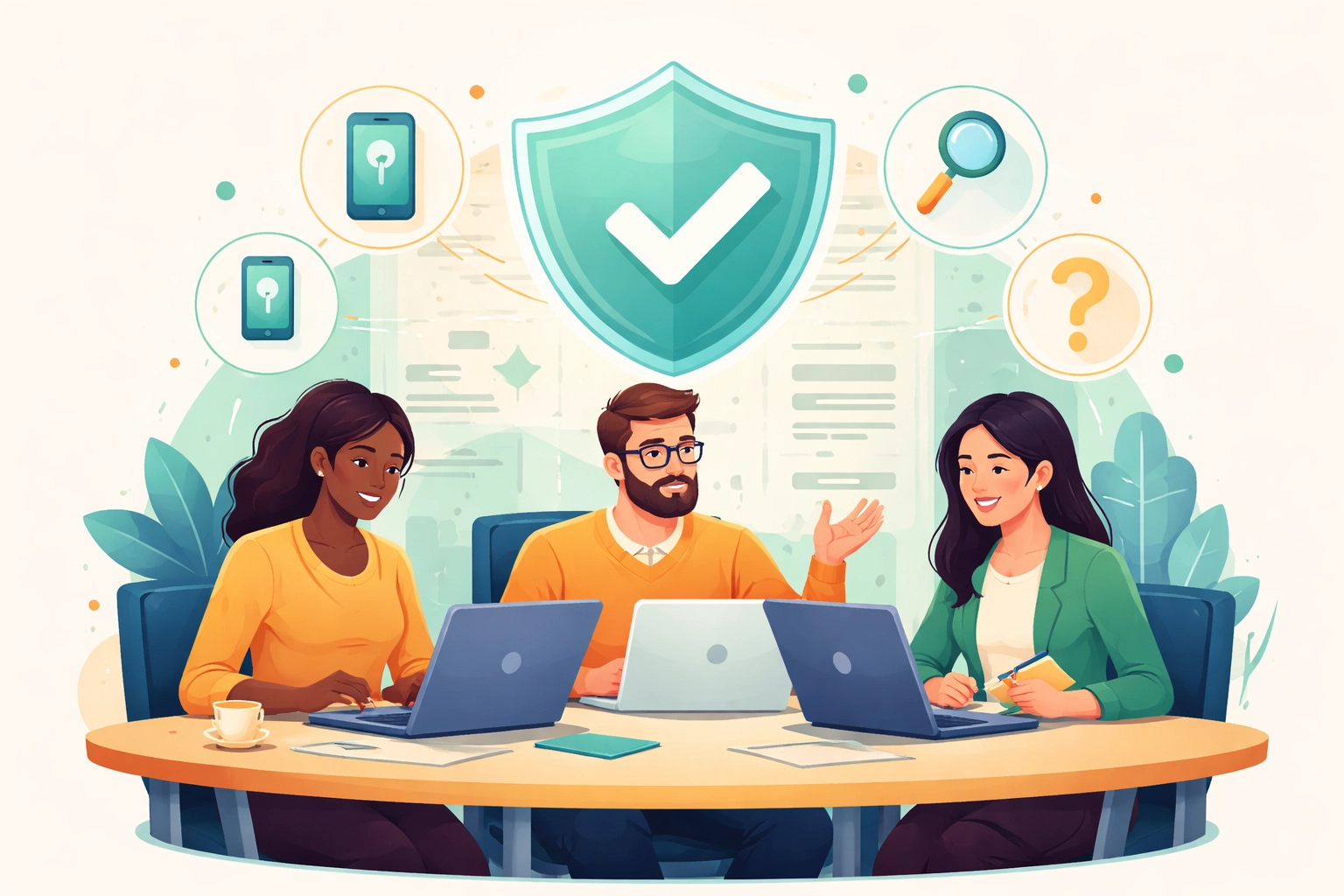
Here's something that often gets overlooked: your employees need to feel comfortable reporting suspicious emails, even if they've already clicked on something.
Why does this matter? The timeline from phishing email to full organizational compromise is shrinking fast. Security experts predict it could soon be less than one hour. That means quick reporting and rapid response are critical.
To build this culture:
- Celebrate reports, don't punish mistakes: If someone reports a suspicious email, thank them publicly. If someone clicked a bad link and reported it quickly, recognize that too.
- Make reporting easy: A simple "Report Phishing" button in your email client removes friction.
- Close the loop: When someone reports something, let them know what happened. Was it a real threat? A test? This feedback reinforces good behavior.
When your Gaylord team knows they won't get in trouble for speaking up, they're far more likely to report quickly, and that speed can make all the difference.
Technical Controls That Back Up Your Training
Training is essential, but it shouldn't be your only line of defense. Think of technical controls as the safety net that catches what slips through.
Multi-Factor Authentication (MFA)
If a phishing attack does trick someone into entering their password, MFA can still save the day. That second verification step, a code from your phone, a push notification, a physical key, means stolen credentials alone aren't enough for attackers to get in.
If your Northern Michigan business hasn't enabled MFA across all accounts yet, that's the single most impactful step you can take today. Learn more about our proactive IT services that include MFA setup and management.
Email Security and Filtering
Modern email security tools use AI themselves to detect suspicious patterns, even in messages that look legitimate. They analyze sender behavior, link destinations, and attachment types to flag potential threats before they reach your inbox.
DMARC, DKIM, and SPF
These acronyms might sound technical, but here's the simple version: they're email authentication protocols that help prevent attackers from spoofing your domain. When properly configured, they make it much harder for scammers to send emails that appear to come from your company.
Frequently Asked Questions
Q: How often should we train employees on phishing?
A: We recommend monthly micro-trainings combined with quarterly simulated phishing tests. Annual training alone isn't frequent enough given how fast threats evolve.
Q: What should an employee do if they think they clicked a phishing link?
A: Report it immediately to your IT team or managed service provider. Don't be embarrassed, quick reporting is far more valuable than hiding a mistake. Change any passwords that might have been compromised and enable MFA if it isn't already active.
Q: Can AI-generated phishing target small businesses in Northern Michigan?
A: Absolutely. Attackers often target smaller businesses precisely because they assume security is weaker. Being in Gaylord or anywhere in Northern Michigan doesn't make you invisible to these threats.
Q: Is MFA really that important?
A: Yes. Even if an attacker gets a password through phishing, MFA provides a critical second barrier. It's one of the most effective security measures available today.
Ready to Strengthen Your Team's Defenses?
Phishing isn't going away: it's just getting smarter. But with the right training, a supportive reporting culture, and solid technical controls in place, your Gaylord business can stay protected.
At NTS, we help Northern Michigan businesses build layered security strategies that don't rely on any single point of failure. From employee training resources to MFA implementation and email security, we've got you covered.
Want to see where your business stands? Reach out for a free IT assessment and let's talk about keeping your team safe in 2026 and beyond.