
December's here, and while you're checking off your gift list and planning holiday gatherings, there's another list that deserves some attention: your tech to-do list! Before you settle in for hot cocoa and family time, why not give your digital life a little holiday gift too?
We've put together some quick, painless tech tips that'll help you end 2025 on a secure, organized note. Think of it as digital spring cleaning, but with a festive twist. These aren't overwhelming tech projects: just simple wins that'll make your devices safer, your photos protected, and your New Year tech-trouble-free.
Clean Up Your Password Game Before 2026
Let's be honest: when's the last time you actually looked at your saved passwords? If you're like most people, you've probably got a digital graveyard of old accounts, duplicate passwords, and that one password you've been using since 2018 (you know the one).
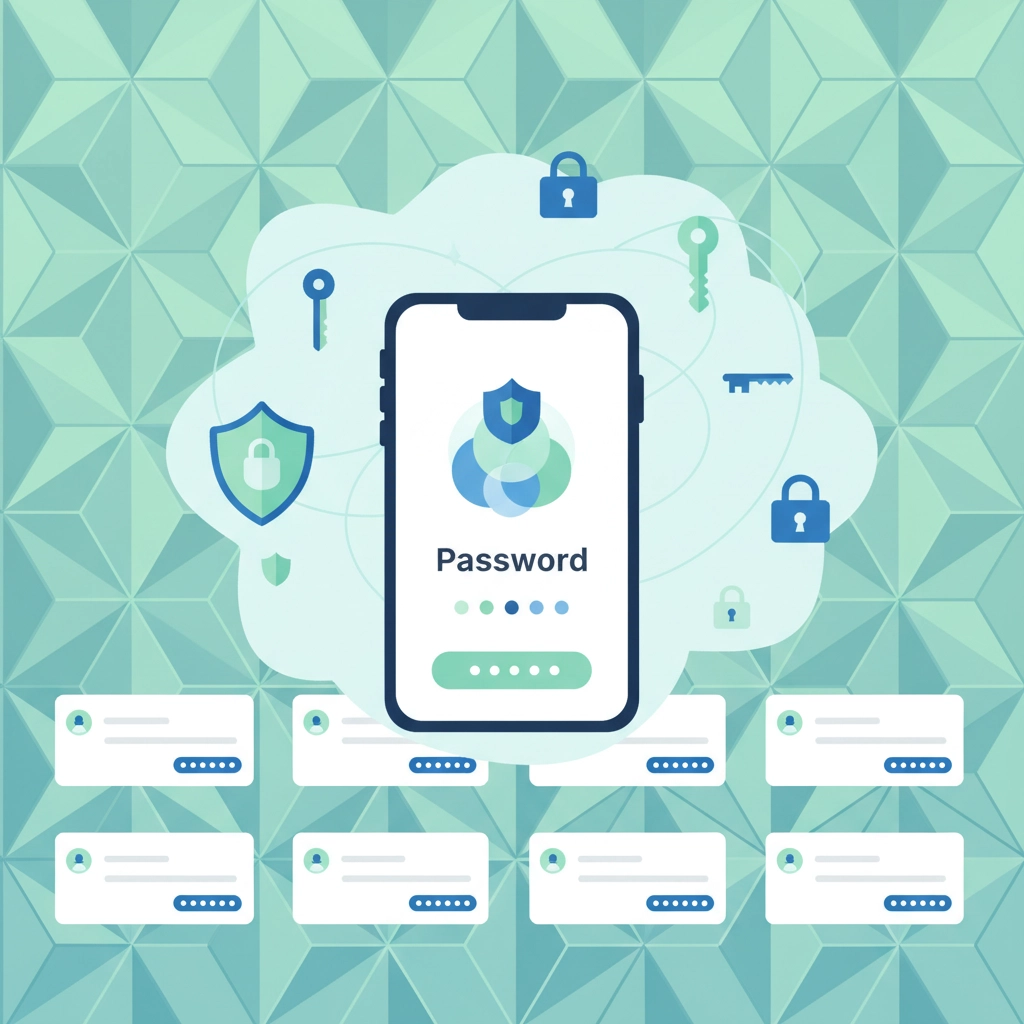
Start with a password audit: Open up your browser's saved passwords or your password manager and take a look around. Delete accounts you no longer use: that fitness app you tried for two weeks, the online store you bought from once, or that streaming service you forgot you had.
Update your important ones: Focus on your most critical accounts first. Banking, email, social media, and any work-related logins should get fresh, strong passwords. If you're not using a password manager yet, this is the perfect time to start. Tools like Keeper Security (which we've written about before) make this whole process so much easier.
Enable two-factor authentication: This is like adding a security system to your most valuable digital doors. Most major services offer it now, and it takes just a few minutes to set up. Your future self will thank you if someone ever tries to break into your accounts.
Pro tip: Don't try to tackle everything in one sitting. Pick five accounts per day, and you'll have a much more secure digital presence by New Year's Eve.
Lock Down Your Devices Like the Valuable Assets They Are
Your phone, tablet, and laptop probably contain more personal information than your wallet ever did. Between photos, emails, banking apps, and saved passwords, these devices are digital treasure chests that deserve proper protection.
Update everything before the holiday rush: Those software updates you've been ignoring? Now's the time. Set aside an hour to update your phone's operating system, your computer's software, and your apps. Updates often include important security patches, and you don't want to be dealing with a compromised device during the holidays.
Review your app permissions: When did you last check which apps have access to your camera, microphone, location, or contacts? Open your privacy settings and do a quick audit. That photo editing app probably doesn't need to know your location, and that old game definitely doesn't need access to your contacts.
Set up automatic backups: This is huge, especially with all the holiday photos you'll be taking. Make sure your phone is automatically backing up to iCloud, Google Drive, or whatever cloud service you use. For your computer, ensure your backup system is working properly: whether that's Time Machine, File History, or an external drive.

Secure your home screen: Use strong passcodes, face recognition, or fingerprint locks. And while you're at it, consider what information shows up on your lock screen. Do you really need text message previews visible to anyone who picks up your phone?
Preserve Those Holiday Memories Forever
Speaking of photos, let's talk about protecting all those precious holiday memories you're about to create. Nothing ruins the holiday spirit quite like losing a year's worth of family photos because of a device failure or accidental deletion.
Create multiple backup copies: The old saying "one is none, two is one" definitely applies to digital photos. If your photos are only on your phone, they're not really backed up. Consider using both cloud storage and an external hard drive for your most important images.
Organize as you go: Instead of dumping everything into one massive photo library, create folders by event or date. "Christmas 2025," "New Year's Eve Party," or "Winter Vacation" will make finding specific photos so much easier later.
Free up space before the big day: Check your phone's storage now, before you start taking hundreds of holiday photos. Delete duplicate photos, old screenshots, and videos you don't need. This prevents the frustrating "storage full" message right when your nephew is about to blow out his birthday candles.
Share smartly: When sharing photos with family, consider using shared albums in Google Photos or iCloud instead of texting individual pictures. It's easier for everyone and creates a central location where the whole family can contribute photos.
Tame Your WiFi and Smart Home for Holiday Gatherings
Nothing kills the holiday vibe like slow internet when you're trying to video call distant relatives or stream the big game. Plus, with more family members connecting to your network, now's a good time to ensure everything's running smoothly.
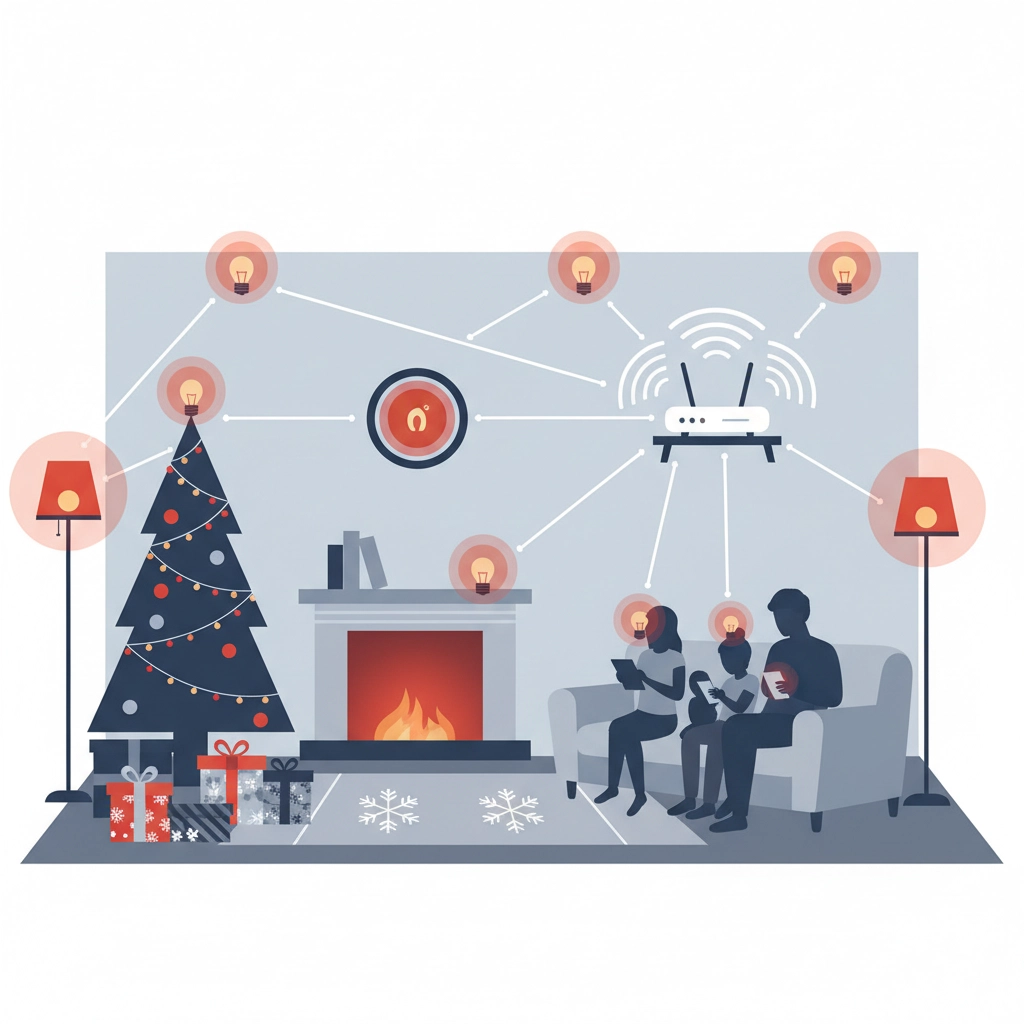
Test your internet speed: Run a speed test on your main devices to see if you're getting what you're paying for. If speeds are consistently slow, it might be time to reset your router or call your internet provider.
Update your WiFi password: If you're still using "password123" or the default password that came with your router, change it to something more secure. And while you're at it, consider creating a guest network for visitors: it keeps your main network more secure.
Check your smart devices: Walk around your house and make sure all your smart lights, thermostats, and other connected devices are working properly. Update their apps and firmware if needed. There's nothing worse than your smart lights going haywire during a holiday dinner.
Plan for more devices: With family visiting, you'll likely have more devices on your network than usual. If your WiFi seems sluggish with everyone connected, try prioritizing certain devices or activities through your router's settings.
Quick Wins for a Smoother Digital Holiday
Here are some rapid-fire tips that take just minutes but can save you hours of frustration:
Clean up your email: Unsubscribe from newsletters you don't read and delete old promotional emails. Start the new year with a cleaner inbox.
Check your subscriptions: Review your monthly subscriptions and cancel ones you're not using. It's like giving yourself a monthly gift that keeps on giving.
Update your emergency contacts: Make sure the emergency contact information on your devices is current. This is especially important if family members will be traveling.
Charge your backup batteries: Dust off those portable chargers and power banks, make sure they're fully charged and working. Holiday gatherings mean more photo-taking and video-calling, which drains batteries faster.
Test your video calling setup: Before the big family video call on Christmas day, test your camera, microphone, and internet connection. Nothing's more awkward than technical difficulties when Grandma's trying to see the grandkids open presents.
Looking Ahead: Setting Yourself Up for a Secure 2026
As you're implementing these holiday tech tips, think about your technology goals for the coming year. Maybe it's finally getting serious about cybersecurity, upgrading that aging computer, or organizing your digital life more systematically.
The small steps you take now: updating passwords, backing up photos, securing devices: create a foundation for a more organized, secure digital life in 2026. And honestly, there's something satisfying about starting the new year with clean, updated, properly secured technology.
Remember, you don't have to tackle everything at once. Pick one or two areas that matter most to you and start there. Maybe it's finally setting up that password manager, or maybe it's organizing years of family photos. Every small improvement makes a difference.
From all of us at NTS, we wish you and your family a wonderful holiday season filled with joy, laughter, and blissfully trouble-free technology. Whether you're video calling loved ones across the country, capturing precious moments, or simply staying connected during the celebrations, we hope these tips help make your holidays a little brighter and a lot more secure.
If you run into any tech challenges over the holidays: or if you want to start 2026 with a comprehensive IT assessment for your business: don't hesitate to reach out. We're here to help make technology work better for you, whether it's personal devices or business systems.
Here's to a safe, happy, and wonderfully connected holiday season! 🎄