
Is that server humming away in your back office starting to feel like a ticking time bomb? You're not alone. Across Northern Michigan, from Petoskey to Gaylord to Alpena, business owners are asking themselves the same question: Is it finally time to move to the cloud?
The short answer? For most businesses, yes. But the longer answer involves understanding your specific needs, weighing your options, and planning carefully so the transition doesn't disrupt your day-to-day operations.
Let's break it down in plain English.
Why Are Northern Michigan Businesses Making the Move?
Local servers served us well for decades. But times have changed, and so have the demands on small and mid-sized businesses. Here's why so many companies in our region are rethinking their IT infrastructure:
Rising maintenance costs. That aging server isn't getting any younger. Hardware failures, software updates, and the electricity to keep it all running add up fast. And when something breaks? You're looking at emergency repair bills and potential downtime that costs you money.
Remote work is here to stay. Whether your team works from home occasionally or you have employees scattered across Emmet, Charlevoix, or Cheboygan counties, cloud-based systems make collaboration seamless. No more VPN headaches or "I can't access the file" phone calls.
Security concerns are escalating. Cybercriminals don't care if you're a ten-person accounting firm or a local dental practice. In fact, small businesses are often easier targets. Cloud platforms like Microsoft 365 and Azure come with enterprise-grade security features that most local servers simply can't match.
Disaster recovery matters. A fire, flood, or even a nasty ransomware attack could wipe out years of data stored on a local server. Cloud-based backup and recovery solutions give you peace of mind that your business can bounce back quickly.

When Is the Right Time to Migrate?
Not every business needs to rush into a cloud migration. But there are some clear signs that it might be time to have a serious conversation:
- Your server is more than five years old
- You're paying for expensive hardware repairs or replacements
- Your team struggles to access files remotely
- You've had security scares or near-misses
- Compliance requirements (like HIPAA) are becoming harder to meet
- You're planning to grow and need infrastructure that scales with you
If any of these sound familiar, it's worth exploring your options sooner rather than later.
Your Cloud Migration Options: Full Cloud vs. Hybrid
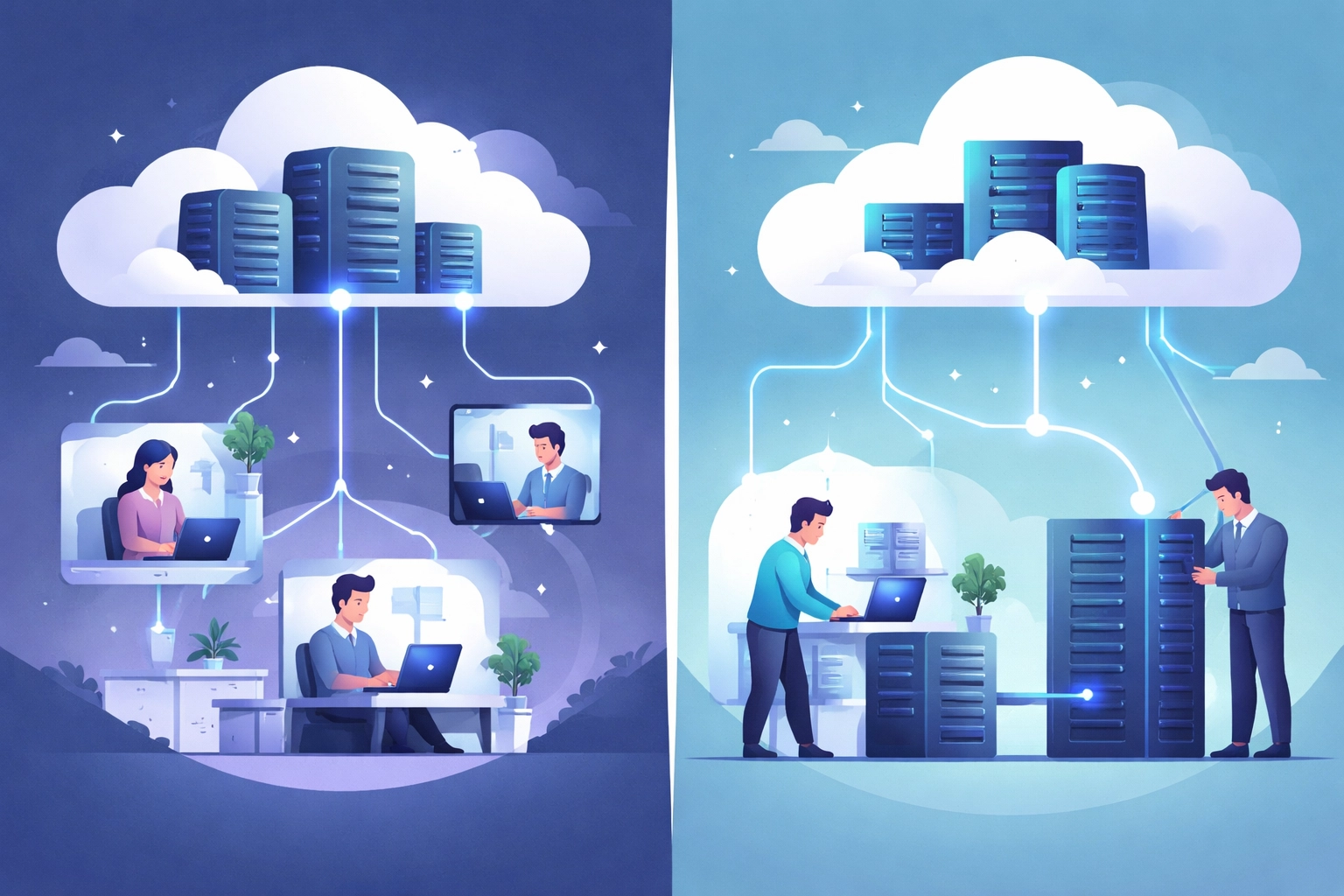
Here's where things get interesting. "Moving to the cloud" doesn't have to be an all-or-nothing decision. You have options.
Full Cloud Migration
This is exactly what it sounds like: moving everything off your local servers and into cloud-based platforms. Your data, applications, email, and file storage all live in the cloud. For many small businesses, this is the simplest and most cost-effective approach.
Best for: Businesses ready to eliminate on-premises hardware entirely and embrace fully remote-capable operations.
Hybrid Cloud
Maybe you have specific applications or sensitive data that you'd prefer to keep on-site for now. A hybrid approach lets you keep some systems local while moving others to the cloud. It's flexible and allows you to transition at your own pace.
Best for: Businesses with compliance requirements, legacy software that can't easily move, or those who want a gradual transition.
What About Microsoft 365 and Azure?
You've probably heard these names thrown around. Microsoft 365 (formerly Office 365) is a popular choice for email, document collaboration, and productivity tools like Teams, Word, Excel, and SharePoint. It's cloud-based, so your team can work from anywhere.
Microsoft Azure takes things a step further: it's a full cloud computing platform that can host your applications, databases, and virtual servers. For businesses looking to fully retire their on-premises hardware, Azure is a powerful option.
Both integrate seamlessly, making them a natural fit for businesses already using Microsoft products.
Planning Your Migration: Steps to Get It Right
A successful cloud migration doesn't happen overnight. Here's a simple roadmap to keep things on track:
1. Assess Your Current Setup
What do you have now? What's working, and what isn't? Take inventory of your hardware, software, data, and how your team currently accesses everything. This step helps identify what needs to move and what might need upgrading.
2. Define Your Goals
What do you want to achieve? Lower costs? Better security? Easier remote access? Knowing your priorities helps shape the right solution for your business.
3. Choose the Right Cloud Model
Based on your assessment and goals, decide whether a full cloud migration or hybrid approach makes more sense. There's no one-size-fits-all answer here.
4. Create a Migration Plan
This is where the details matter. A solid plan outlines what moves when, how data will be transferred securely, and how to minimize downtime. Rushing this step is a recipe for headaches.
5. Execute and Test
Transfer your data and applications, then test everything thoroughly. Make sure files are accessible, applications work correctly, and your team knows how to use the new systems.
6. Ongoing Support and Optimization
Migration isn't a "set it and forget it" situation. You'll want ongoing monitoring, security updates, and occasional tweaks to keep things running smoothly.

Common Pitfalls to Avoid
Even well-intentioned migrations can hit bumps. Here are a few mistakes we see Northern Michigan businesses make:
Underestimating the timeline. Simple migrations can wrap up in a few weeks, but more complex setups with legacy systems or large data volumes can take months. Plan accordingly.
Skipping the security conversation. Just because something is "in the cloud" doesn't mean it's automatically secure. You need proper configurations, multi-factor authentication, and ongoing monitoring.
Forgetting about training. Your team needs to understand how to use the new tools. A little training upfront saves a lot of frustration (and support calls) down the road.
Going it alone. Cloud migrations involve a lot of moving parts. Working with an experienced IT partner can save you time, money, and stress.
What About Costs?
Let's talk dollars and cents. One of the biggest advantages of moving to the cloud is shifting from capital expenses (buying servers, hardware, licenses upfront) to operational expenses (predictable monthly fees).
Here's what typically factors into cloud migration costs:
- Subscription fees for platforms like Microsoft 365 or Azure
- Data transfer and migration services
- Training for your team
- Ongoing management and support
The good news? For most businesses, the total cost of ownership drops significantly compared to maintaining aging on-premises equipment. You also gain predictability: no more surprise repair bills.
Security in the Cloud: Better Than You Think
Security is often the biggest concern we hear from business owners considering a move. And it's a fair question. But here's the reality: cloud platforms like Microsoft 365 and Azure invest billions of dollars into security infrastructure. Features like encryption, threat detection, and automatic updates are built in.
That said, security is a shared responsibility. You still need:
- Strong password policies and multi-factor authentication
- Proper user access controls
- Regular security reviews
- A solid backup and disaster recovery plan
With the right configurations and ongoing management, your data can actually be more secure in the cloud than sitting on an aging server in your office.
Ready to Explore Your Options?
If you've been thinking about moving beyond local servers, now's a great time to start the conversation. Cloud migration doesn't have to be overwhelming: especially when you have a knowledgeable partner in your corner.
At NTS, we've helped businesses across Northern Michigan make the transition smoothly and confidently. Whether you're looking at a full cloud migration or a hybrid approach, we'll help you find the right fit for your goals and budget.
Want to see if cloud migration makes sense for your business? Reach out for a free assessment or learn more about our proactive IT services. We're here to help you take the next step( without the stress.)