
Here's a question worth asking: When was the last time you really looked at the computers, servers, and network equipment running your business?
If you're like most Petoskey business owners, the answer is probably "not recently." And that's understandable. You've got customers to serve, employees to manage, and a hundred other priorities competing for your attention. But here's the thing: that aging hardware quietly humming away in the corner might be costing you more than you realize.
Welcome to the world of tech debt, and it's something every Northern Michigan business needs to understand in 2026.
What Exactly Is Tech Debt?
Think of tech debt like deferred maintenance on a building. Skip a few repairs here, postpone an upgrade there, and before you know it, you're dealing with a leaky roof and a furnace that quits on the coldest day of the year.
Tech debt works the same way. It's the accumulated cost of keeping outdated technology running instead of investing in modern solutions. Every time you patch an old server instead of replacing it, or squeeze another year out of those slow workstations, you're adding to your tech debt.
And just like that neglected building, tech debt has a way of catching up with you: usually at the worst possible moment.
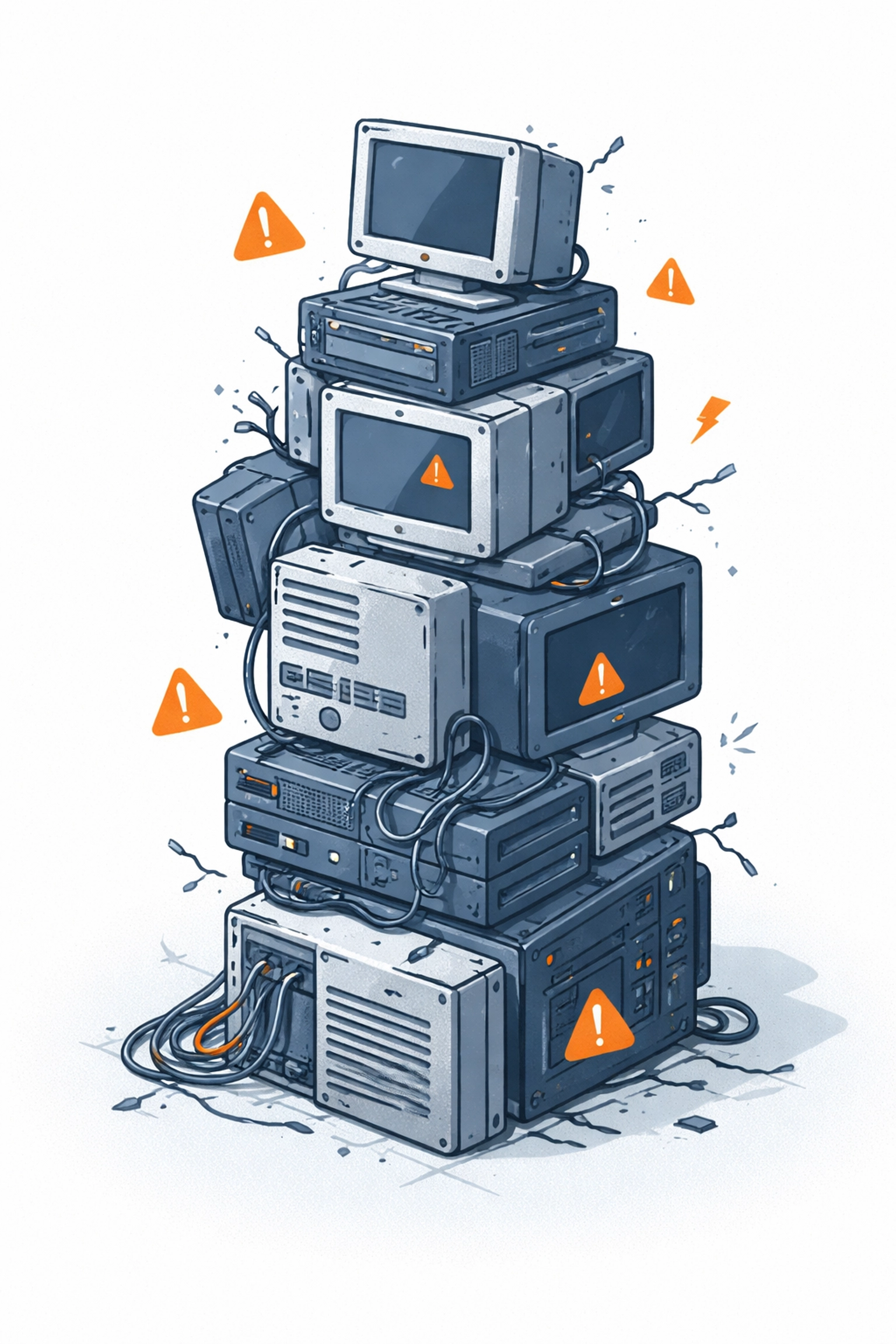
What Does Tech Debt Look Like in Your Business?
Tech debt isn't always obvious. It sneaks up on you gradually. Here's what it might look like in a typical Petoskey business:
- Aging PCs that take five minutes to boot up every morning
- Servers running operating systems that no longer receive security updates
- Network equipment that can't keep up with modern internet speeds
- A patchwork of different hardware brands and models that make troubleshooting a nightmare
- Equipment that's "too critical to replace" because nobody's sure what would happen if it went down
Sound familiar? You're not alone. Many Northern Michigan businesses are running on hardware that's well past its prime, often without realizing the risks involved.
The Hidden Costs of Aging Hardware
Here's where it gets real. That old hardware isn't just slow: it's actively working against your business in ways you might not see on a balance sheet.
Security Vulnerabilities
This is the big one. Older hardware often can't run the latest operating systems or security software. Remember the Windows 10 End-of-Life deadline that hit in October 2025? Businesses still running Windows 10 on older machines are now operating without critical security patches from Microsoft.
That's not just an inconvenience: it's an open invitation for cybercriminals. And in 2026, with AI-powered attacks becoming more sophisticated, running unsupported systems is a gamble no business can afford.
Performance Problems
Slow computers don't just frustrate your employees: they cost you money. Every minute spent waiting for a program to load or a file to save is a minute not spent serving customers or completing projects.
Multiply that across your entire team, day after day, and you're looking at significant productivity losses. Local IT providers consistently point to reduced employee productivity as one of the top consequences of aging infrastructure.
Increased Downtime
Old hardware fails. It's not a matter of if, but when. And when that critical server finally gives up, you're not just dealing with the cost of replacement: you're dealing with lost revenue, frustrated customers, and stressed-out employees.
The goal should be to reduce downtime due to IT issues, not cross your fingers and hope for the best.

Signs Your Petoskey Business Has Tech Debt
Not sure if tech debt is affecting your business? Here are some warning signs to watch for:
- Frequent crashes or blue screens on workstations
- Compatibility issues when trying to install new software
- Slow network speeds even with a fast internet connection
- Hardware that's more than 5 years old still in daily use
- No clear inventory of what equipment you have and how old it is
- Reactive repairs instead of planned replacements
- Different hardware brands and configurations across your office
- Employees complaining about slow or unreliable equipment
If you're nodding along to several of these, it's probably time for a closer look at your infrastructure.
The Case for Standardization
One often-overlooked aspect of tech debt is the chaos that comes from running a mishmash of different hardware. Maybe you bought a few Dell computers here, some HP machines there, and inherited a couple of random towers when you moved into your current office.
That inconsistency creates headaches. Troubleshooting becomes harder. Keeping drivers and software updated gets complicated. And when something breaks, finding compatible replacement parts turns into a scavenger hunt.
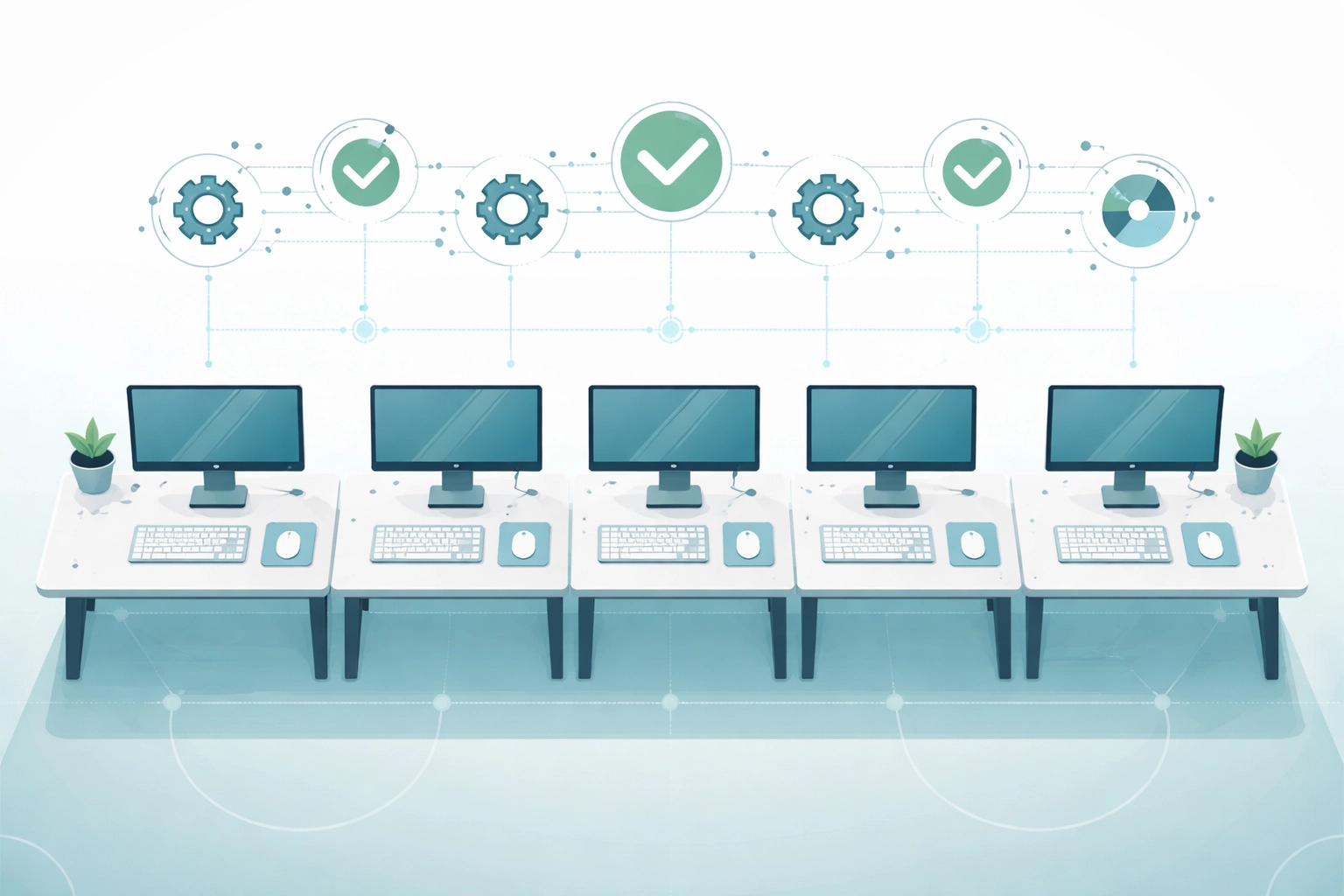
Standardization solves these problems. When all your workstations and servers are from the same product line and generation, everything becomes simpler:
- Easier maintenance and support
- Consistent user experience across the team
- Simpler inventory management
- Better scalability as your business grows
It's one of those investments that pays dividends in reduced frustration and support costs over time.
Building a Hardware Lifecycle Plan
The best way to avoid tech debt is to plan ahead. That means creating a hardware lifecycle plan: a roadmap for when equipment will be replaced before it becomes a problem.
Here's a general framework to consider:
| Equipment Type | Typical Lifespan | Replacement Trigger |
|---|---|---|
| Workstations/PCs | 4-5 years | Performance issues, end of warranty, OS incompatibility |
| Servers | 5-7 years | End of support, capacity limits, hardware failures |
| Network Equipment | 5-7 years | Speed limitations, security vulnerabilities |
| Peripherals | 3-5 years | Wear and tear, compatibility issues |
The key is to budget for replacements before equipment fails. Spreading hardware purchases across multiple years prevents those painful moments when everything needs replacing at once.
A Roadmap to Tackle Tech Debt
Ready to get your technology back on track? Here's a step-by-step approach that works for businesses across Northern Michigan:
Step 1: Get a Technical Assessment
You can't fix what you don't understand. Start with a thorough evaluation of your current IT infrastructure. This should cover all hardware, software, network equipment, and security measures.
A professional assessment helps identify whether your specific hardware is actually limiting your operations or if managed support could extend its useful life.
Step 2: Prioritize by Risk
Not everything needs to be replaced at once. Focus first on:
- Equipment running unsupported operating systems
- Hardware showing signs of imminent failure
- Systems that pose security vulnerabilities
Step 3: Create a Budget and Timeline
Based on your assessment, build a realistic plan for upgrades. This might be a phased approach over 12-24 months, replacing the most critical equipment first.
Step 4: Standardize Going Forward
As you replace equipment, commit to standardization. Choose a hardware platform and stick with it. Your future self (and your IT support team) will thank you.
Step 5: Implement Ongoing Monitoring
Once you've addressed the immediate tech debt, put systems in place to monitor hardware health and plan for future replacements. This shifts you from reactive to proactive: and that's where you want to be.
Frequently Asked Questions
How do I know if my hardware is "too old"?
Generally, workstations over 5 years old and servers over 7 years old are candidates for replacement. But age alone isn't the only factor: performance, security support, and reliability all play a role.
Can't I just keep repairing what I have?
You can, but repairs add up. At some point, you're spending more on keeping old equipment alive than you would on modern replacements that work better and last longer.
What if I can't afford to replace everything at once?
That's completely normal. A phased approach, prioritizing the most critical equipment first, makes upgrades manageable for businesses of any size.
How does tech debt affect cybersecurity?
Outdated hardware often can't run current security software or operating systems. This creates vulnerabilities that attackers actively look for and exploit.
Take the First Step
Tech debt doesn't have to hold your Petoskey business back. With a clear understanding of where you stand and a realistic plan to move forward, you can turn aging infrastructure into a modern, efficient foundation for growth.
The question isn't whether your hardware is old: it's whether it's preventing you from achieving your business goals.
Ready to find out where your business stands? Contact NTS for a no-pressure conversation about your technology infrastructure. We've been helping Northern Michigan businesses tackle tech debt and build smarter IT strategies for years: and we'd love to help you too.