
Here's a question that keeps business owners up at night: If your server crashed right now, could you actually recover your data?
Not "probably." Not "I think so." Could you actually get everything back?
For many Alpena and Cheboygan businesses, the honest answer is somewhere between "I'm not sure" and "I really hope so." And that uncertainty? It's a bigger risk than most people realize.
The good news is there's a straightforward, time-tested strategy that can give you real peace of mind. It's called the 3-2-1 backup rule, and it's something every Northern Michigan business should understand and implement.
Let's break it down.
What Is the 3-2-1 Backup Rule?
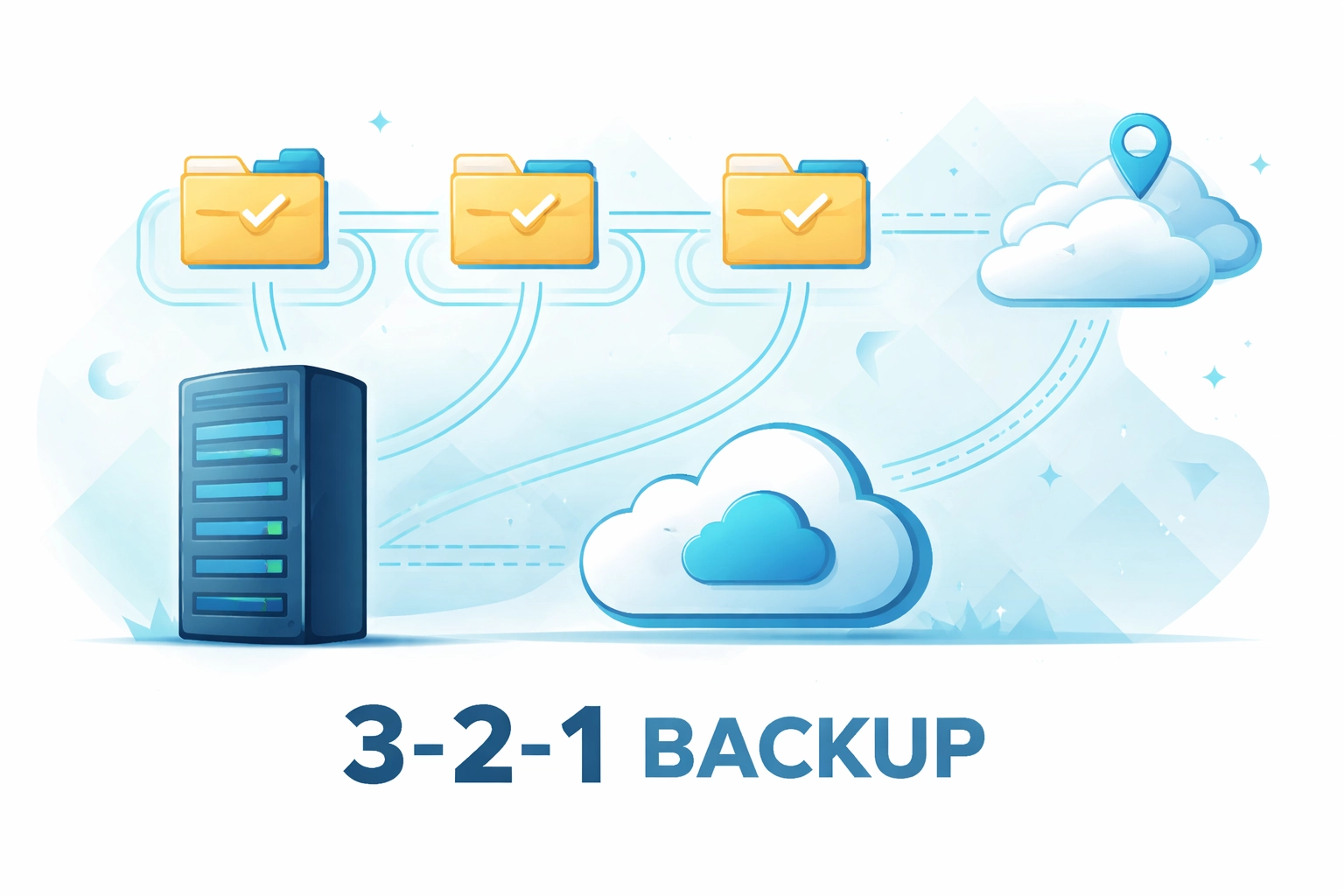
The 3-2-1 rule is a simple framework for protecting your business data. Here's how it works:
- 3 copies of your data – Your original files plus at least two backup copies
- 2 different storage types – Keep those backups on different media (like a local drive AND cloud storage)
- 1 copy stored off-site – At least one backup should be in a completely separate physical location
That's it. Three numbers, one powerful protection strategy.
The beauty of this approach is that it eliminates single points of failure. If your main server goes down, you have a backup. If that backup gets corrupted, you have another one. If a fire or flood damages your office in Alpena, your off-site copy is safe and sound.
Why Northern Michigan Businesses Need This More Than Ever
You might be thinking, "We're a small operation in Cheboygan. Do we really need all this?"
Short answer: Yes. Absolutely.
Here's the reality. Data loss doesn't discriminate based on business size or location. Whether you're running a retail shop in downtown Alpena, a professional services firm near the waterfront, or a healthcare practice serving patients across Northern Michigan, your data is the backbone of your operations.
Consider what you'd lose if everything disappeared tomorrow:
- Customer records and contact information
- Financial documents and invoices
- Employee files and payroll data
- Years of emails and communications
- Project files and proprietary information
For most businesses, recovering from total data loss isn't just inconvenient: it can be devastating.
Common Backup Misconceptions (That Could Cost You Everything)
Let's clear up some dangerous myths that trip up business owners across Northern Michigan.
"I Back Up to an External Hard Drive: I'm Good"
Having one backup is better than nothing, but it's not enough. External drives fail. They get stolen. They can be damaged in the same event (like a power surge) that takes out your main system.
If your only backup sits right next to your computer, you're still vulnerable to a single catastrophic event.
"Everything's in the Cloud, So It's Safe"
Cloud services like Microsoft 365 are fantastic tools, but here's something many business owners don't realize: Microsoft's built-in retention and recovery options have limitations. Deleted files, corrupted data, or malicious changes can sync across your cloud storage before you even notice.
Cloud storage is not the same as cloud backup. You still need a dedicated backup solution.
"We Haven't Had Problems Yet, So Why Worry?"
This one's the most dangerous of all. Data loss events don't send warning letters. Hardware fails without notice. Ransomware attacks happen in seconds. By the time you realize there's a problem, it's too late to prepare.
The best time to set up proper backups was yesterday. The second-best time is today.
The Ransomware Factor: Why Off-Site and Immutable Backups Matter
Ransomware attacks have exploded in recent years, and small businesses are increasingly targeted. Why? Because attackers know that smaller organizations often lack robust security measures.
Here's how a typical ransomware attack unfolds:
- Malicious software encrypts your files
- Attackers demand payment (often in cryptocurrency) for the decryption key
- Even if you pay, there's no guarantee you'll get your data back
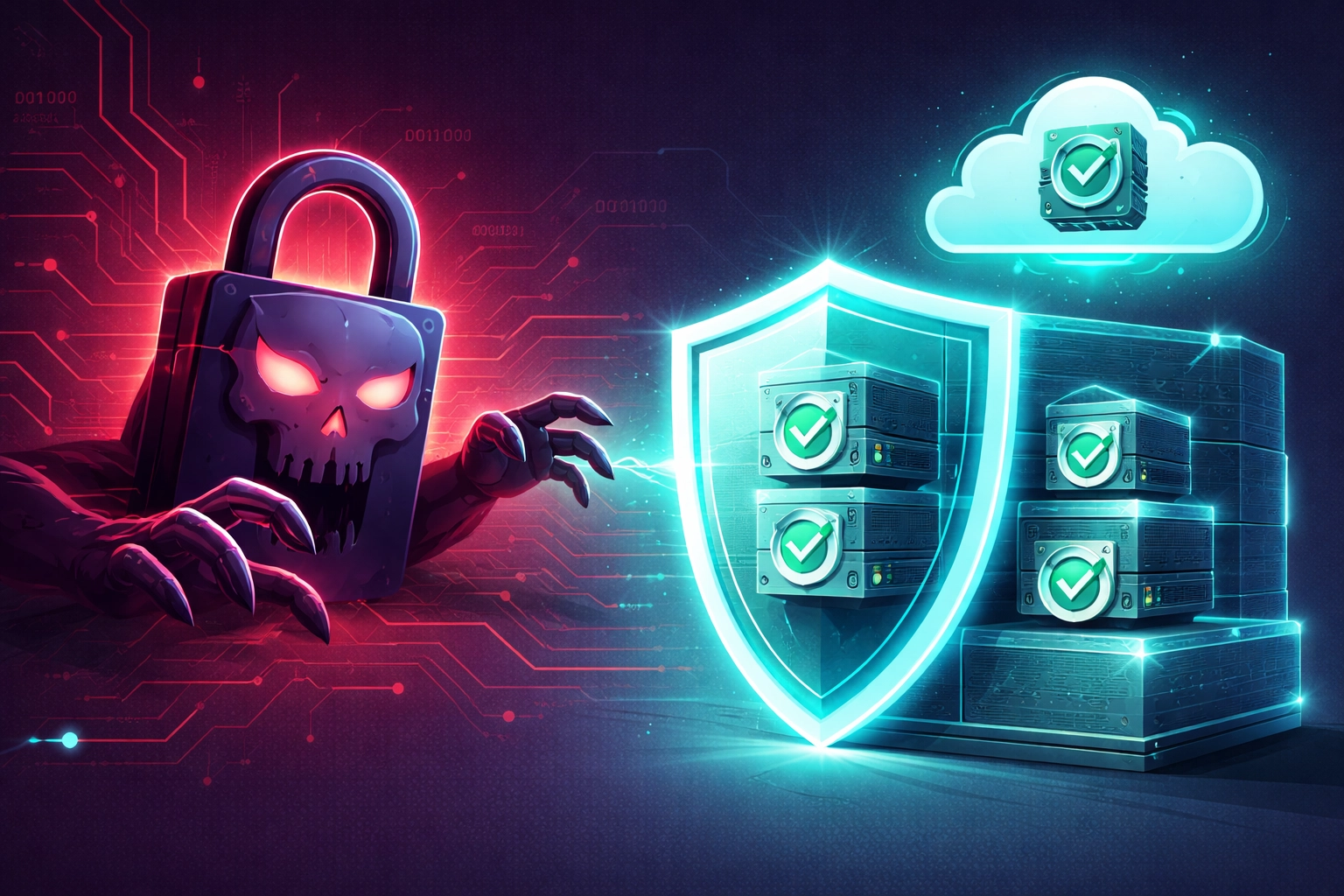
Now, here's the critical point: modern ransomware is designed to seek out and encrypt your backups too.
If your backup drive is constantly connected to your network, ransomware can find it and lock it up right alongside your primary data. This is why the "off-site" component of the 3-2-1 rule is so important: and why many businesses are now adopting enhanced strategies like immutable backups.
An immutable backup is one that cannot be altered or deleted for a set period of time. Even if ransomware gets into your system, it can't touch an immutable backup copy. It's like having a time capsule that attackers simply can't crack.
Testing Your Backups: The Step Most Businesses Skip
Here's a scenario that happens more often than you'd think: A business diligently runs backups every night for years. Then disaster strikes, and they go to restore their data: only to discover the backups are corrupted, incomplete, or simply don't work.
A backup you've never tested is a backup you can't trust.
Regular restore testing should be part of your backup routine. This means actually recovering files from your backups periodically to verify that:
- The backup process is completing successfully
- Files are intact and not corrupted
- You can access what you need, when you need it
Think of it like a fire drill. You hope you never need it, but you practice so you're ready if you do.
Your Backup Checklist for 2026
Ready to evaluate your current backup strategy? Use this checklist to see where you stand:
The 3-2-1 Essentials
- Do you have at least three copies of your critical data?
- Are backups stored on two different types of media (e.g., local NAS + cloud)?
- Is at least one backup stored off-site or in a secure cloud environment?
Ransomware Protection
- Do you have an immutable or air-gapped backup that can't be altered by malware?
- Are your backup systems isolated from your main network when not in use?
Testing and Verification
- Do you test your backups regularly by performing actual restores?
- Are you receiving automated alerts if a backup job fails?
- Have you documented your recovery process so your team knows what to do?
Recovery Time Considerations
- Do you know how long it would take to fully restore operations after a data loss event?
- Is that recovery time acceptable for your business needs?
If you checked every box, congratulations: you're ahead of most businesses. If you have some gaps, don't worry. The important thing is identifying them and taking action.
What a Solid Backup Strategy Looks Like in Practice
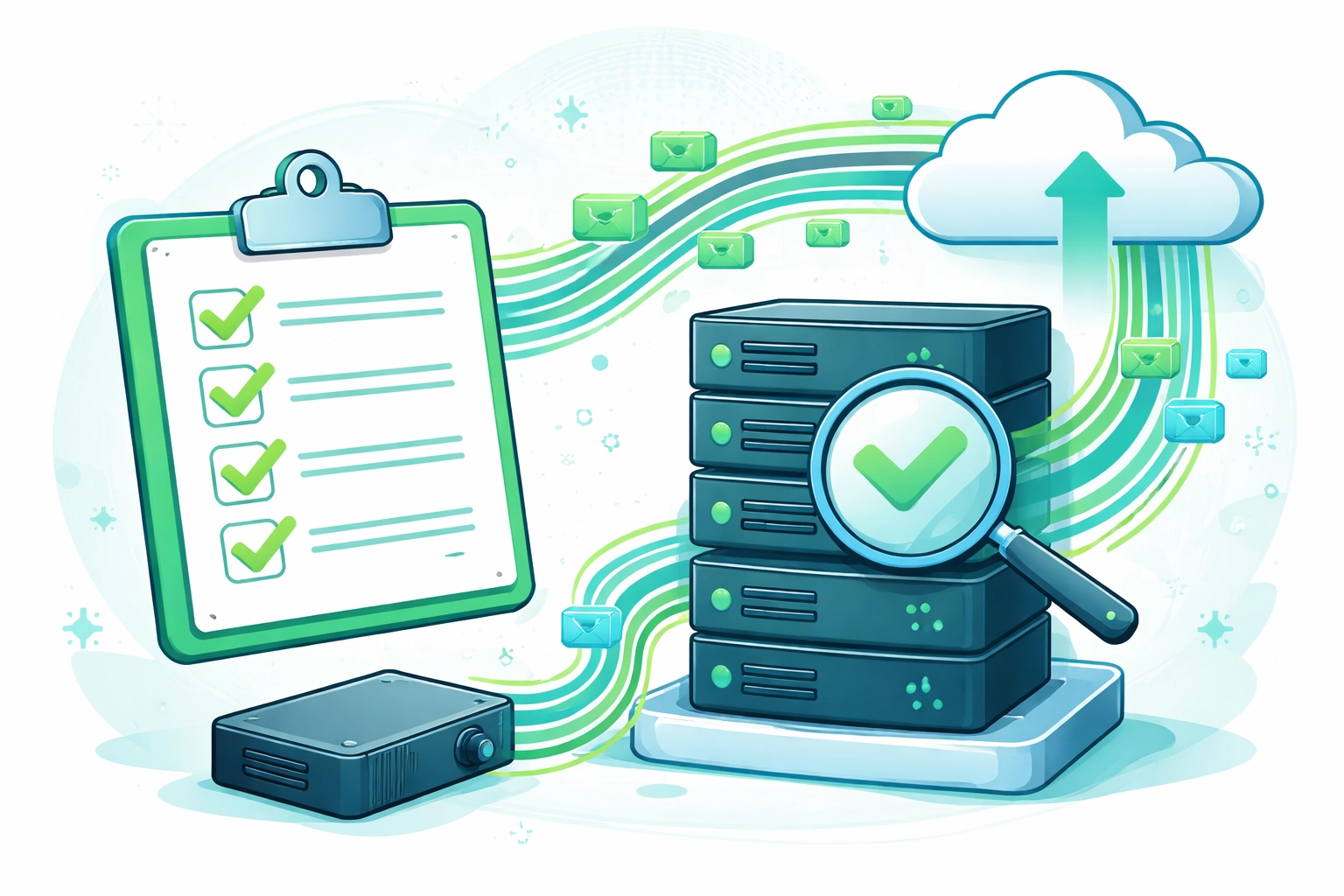
For a typical small business in Alpena, Cheboygan, or anywhere in Northern Michigan, a well-implemented 3-2-1 backup strategy might look like this:
- Primary data lives on your company's main server or workstations
- First backup goes to a local network-attached storage (NAS) device for fast recovery of accidentally deleted files
- Second backup automatically syncs to a secure cloud backup service, providing off-site protection
With proactive IT support, this entire process can be automated, monitored, and tested regularly: so you never have to wonder if your backups are working.
Don't Wait Until It's Too Late
Data loss events don't wait for a convenient time. They happen on busy Mondays, during tax season, right before big deadlines: whenever they'd hurt the most.
The businesses that recover quickly are the ones that prepared ahead of time. The ones that struggle? They're the ones who assumed everything was fine until it wasn't.
If you're unsure about your current backup situation: or if this article made you realize you have some gaps to fill: now is the time to act.
Ready to Get Your Backups in Order?
At NTS, we help businesses across Alpena, Cheboygan, and all of Northern Michigan implement backup strategies that actually work. We'll assess your current setup, identify vulnerabilities, and put a plan in place that protects your data from hardware failures, ransomware, natural disasters, and everything in between.
Want to find out where you stand? Reach out for a free assessment and let's make sure your backups are ready when you need them most.
Because the best time to fix your backup strategy is before you need it.