
Is your business still relying on just a username and password to protect your Microsoft accounts? If so, you're running out of time. Microsoft has officially rolled out mandatory Multi-Factor Authentication (MFA) across its platforms, and if your Northern Michigan business hasn't adapted yet, you could be locked out or left vulnerable.
Whether you're running a healthcare practice in Petoskey, managing a retail operation in Gaylord, or overseeing a manufacturing facility in Cheboygan or Alpena, this change affects you. Let's break down what's happening, why it matters, and exactly what you need to do to stay ahead.
What Is Microsoft's MFA Mandate?
In a nutshell, Microsoft now requires all users, not just administrators, to use Multi-Factor Authentication when accessing key platforms like the Azure Portal, Microsoft Entra Admin Center, Intune Admin Center, and the Microsoft 365 Admin Center.
This isn't a suggestion. It's mandatory. And there's no opt-out.
Here's the timeline you need to know:
- October 2024 – March 2025: MFA enforcement rolled out to 100% of Azure tenants
- February 2025: Microsoft 365 Admin Center enforcement began
- February 9, 2026: Full enforcement deadline for Microsoft 365 Admin Center
- October 2025: Phase 2 enforcement for Azure CLI, PowerShell, Mobile App, and Infrastructure-as-Code tools
- April 1, 2026: MFA required for all Partner Center API usage
If your team accesses any of these tools to manage users, licenses, subscriptions, or security settings, MFA is now part of the deal.

Why Is Microsoft Doing This?
Here's a stat that should grab your attention: MFA reduces the risk of account compromise by 99.22%, according to Microsoft's own research.
Think about that for a second. Nearly every single credential-based attack can be stopped by adding one extra verification step. That's huge.
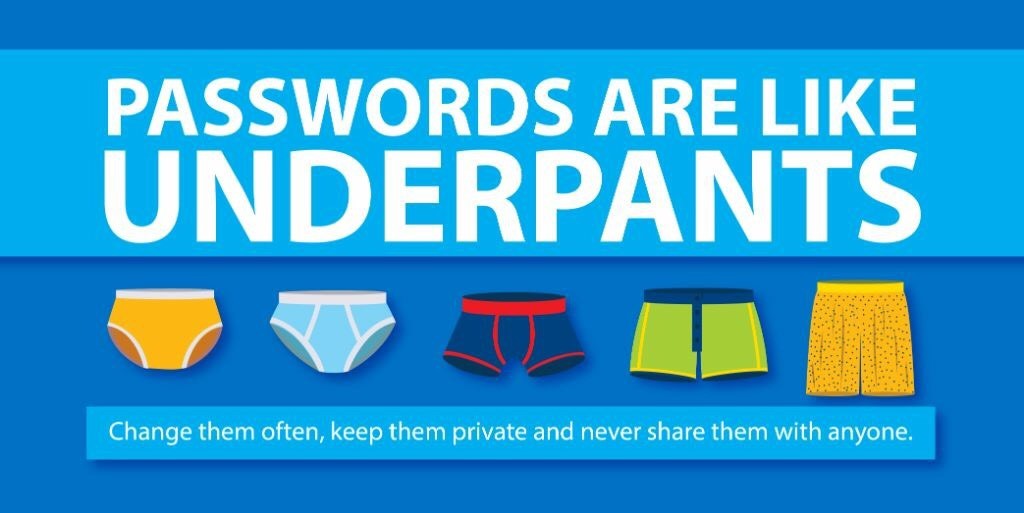
Cybercriminals have gotten incredibly sophisticated at stealing passwords, through phishing, brute force attacks, data breaches, and social engineering. Once they have your password, they have your business. They can access your emails, your client data, your financial records, and your entire Microsoft 365 environment.
MFA adds a second layer of protection. Even if someone steals your password, they still can't get in without that second factor, whether it's a code from an authenticator app, a text message, or a biometric verification.
For businesses in Northern Michigan, where many companies operate with lean IT resources, this kind of protection isn't just nice to have. It's essential.
What Happens If You're Not Ready?
Let's be real: if your organization hasn't enabled MFA yet, you're going to run into problems. Here's what could happen:
- Locked out of admin portals: Your team won't be able to access the Microsoft 365 Admin Center, Azure, or Intune without completing MFA setup
- Workflow disruptions: Critical business operations that depend on these tools will grind to a halt
- Compliance issues: If you're in healthcare, finance, or any regulated industry, not having MFA could put you out of compliance with HIPAA, PCI-DSS, or other standards
- Increased security risk: Without MFA, you're essentially leaving the front door wide open for attackers
The bottom line? This isn't something you can ignore and hope goes away.

Who Does This Affect?
Microsoft's MFA mandate applies to all users who perform Create, Read, Update, or Delete (CRUD) operations in the affected platforms. That includes:
- IT administrators
- Business owners who manage licenses or subscriptions
- Staff members with elevated permissions
- Guest accounts and B2B users
If you're thinking, "Well, I'm not an admin, so I'm fine": think again. The scope of this mandate is broad. Anyone accessing these admin centers for resource management needs to be MFA-enabled.
How to Get Your Business Ready
Feeling a little overwhelmed? Don't worry: we've got you covered. Here's a step-by-step guide to getting your Northern Michigan business MFA-ready:
1. Audit Your Current Setup
Start by figuring out where you stand. Do you know which employees have access to your Microsoft admin portals? Have any of them already set up MFA? A quick audit will give you a clear picture of what needs to happen next.
2. Choose Your MFA Methods
Microsoft supports several MFA options:
- Microsoft Authenticator app (recommended for most businesses)
- SMS text codes
- Phone call verification
- Hardware security keys
- Biometric verification
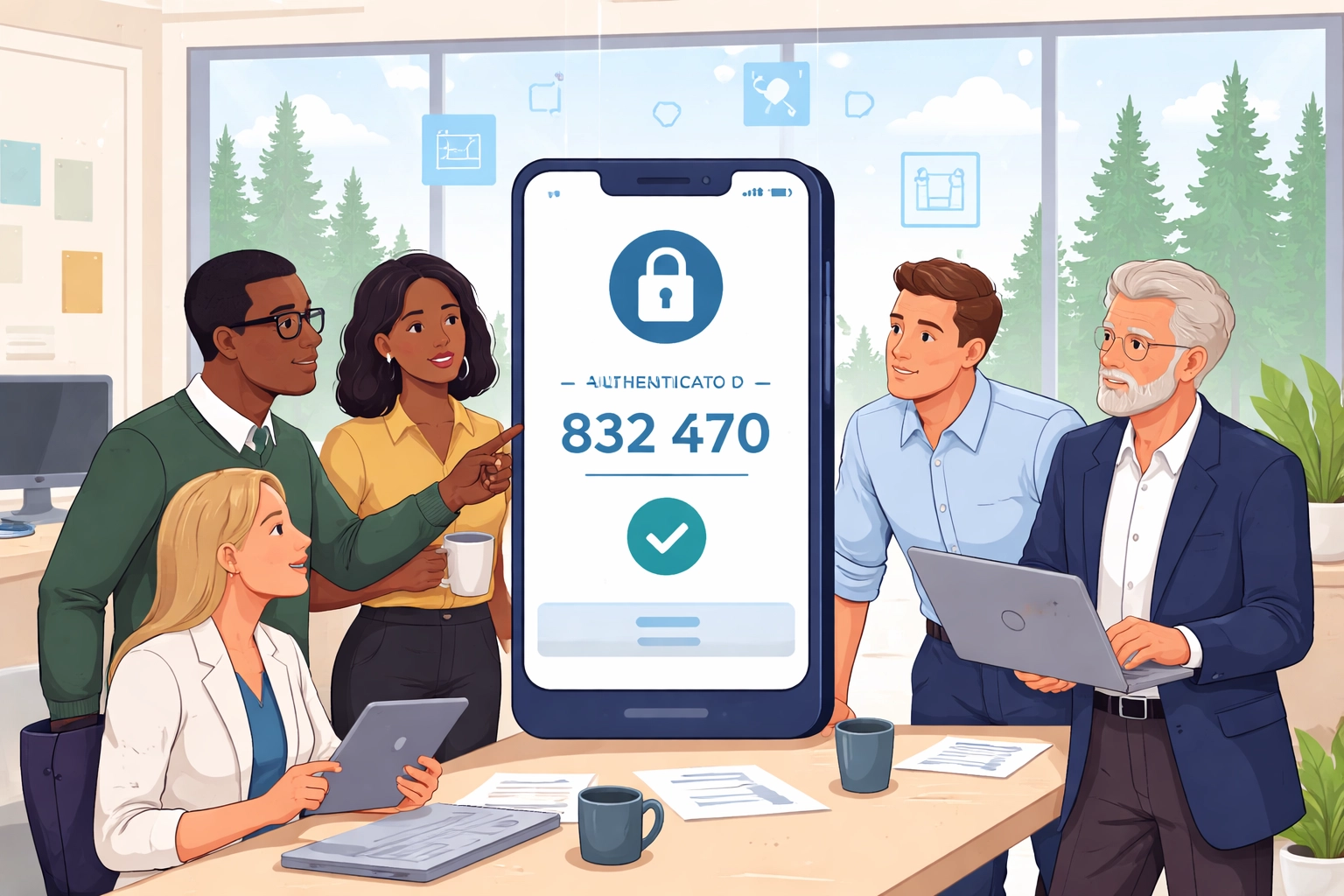
For most small and mid-sized businesses in Petoskey, Gaylord, Cheboygan, and Alpena, the Microsoft Authenticator app is the easiest and most secure option. It's free, works on any smartphone, and provides push notifications for quick approvals.
3. Enable MFA in Your Tenant
If you're comfortable in the Microsoft 365 Admin Center, you can enable MFA through the security settings. But if you're not sure what you're doing, this is where working with a Northern Michigan IT support partner like NTS can save you a lot of headaches.
4. Train Your Team
MFA is only effective if your employees actually use it correctly. Take some time to walk your team through the process:
- How to download and set up the Authenticator app
- What to expect when logging in
- What to do if they lose access to their phone
A little training goes a long way toward preventing frustrated calls to your IT help desk.
5. Test Everything
Before the enforcement deadline hits, test your MFA setup with a few users. Make sure everyone can log in without issues and that your workflows aren't disrupted.
Common Questions About Microsoft's MFA Mandate
Can I postpone the enforcement?
Global Administrators can request a postponement through the Azure portal, but this is a temporary measure: not a permanent solution. The mandate isn't going away.
Does this affect guest users?
Yes. Guest accounts (B2B users) must complete MFA either through your tenant or their home tenant. Make sure your vendors and partners are aware.
What if I only do read-only operations?
Good news: read-only operations in Azure CLI, PowerShell, and IaC tools don't require MFA. But any Create, Update, or Delete actions do.
Is MFA really that important?
Absolutely. With 99.22% of account compromises preventable through MFA, it's one of the most effective security measures you can implement.
Why Local Expertise Matters
Here's the thing about IT changes like this: they're not one-size-fits-all. A business in downtown Petoskey has different needs than a manufacturing plant in Alpena or a tourism company in Gaylord.
That's where working with a local Northern Michigan Microsoft consulting partner makes all the difference. At NTS, we understand the unique challenges that businesses in our region face: limited IT staff, tight budgets, and the need for solutions that just work.
We've helped dozens of local businesses navigate Microsoft's security requirements, and we can help you too. From auditing your current setup to training your team, we'll make sure you're ready before the deadlines hit.
Don't Wait Until It's Too Late
Microsoft's MFA mandate isn't coming: it's already here. And with additional enforcement phases rolling out through 2026, now is the time to act.
The good news? Getting MFA set up doesn't have to be painful. With the right guidance and a little preparation, you can protect your business, stay compliant, and avoid the chaos of last-minute scrambling.
Ready to get started? Contact NTS today for a free assessment of your Microsoft 365 security setup. We'll help you understand exactly where you stand and what steps you need to take to be fully MFA-ready.
Your business deserves to be more secure: and we're here to make that happen.