
How many hours did your Petoskey business lose last month waiting for computer repair? If you're like most small business owners in Northern Michigan, that number probably makes you cringe. Between frozen screens, mysterious slowdowns, and the dreaded "blue screen of death," reactive computer repair can feel like a never-ending game of whack-a-mole.
Here's the thing: it doesn't have to be this way.
The smartest businesses in Petoskey aren't spending their days calling for computer repair every time something breaks. They're using pro-active IT support strategies that stop problems before they start. And the best part? These aren't complicated, expensive solutions, they're practical hacks that any business can implement starting today.
Let's dive into seven pro-active IT support hacks that will help you break free from the computer repair cycle for good.
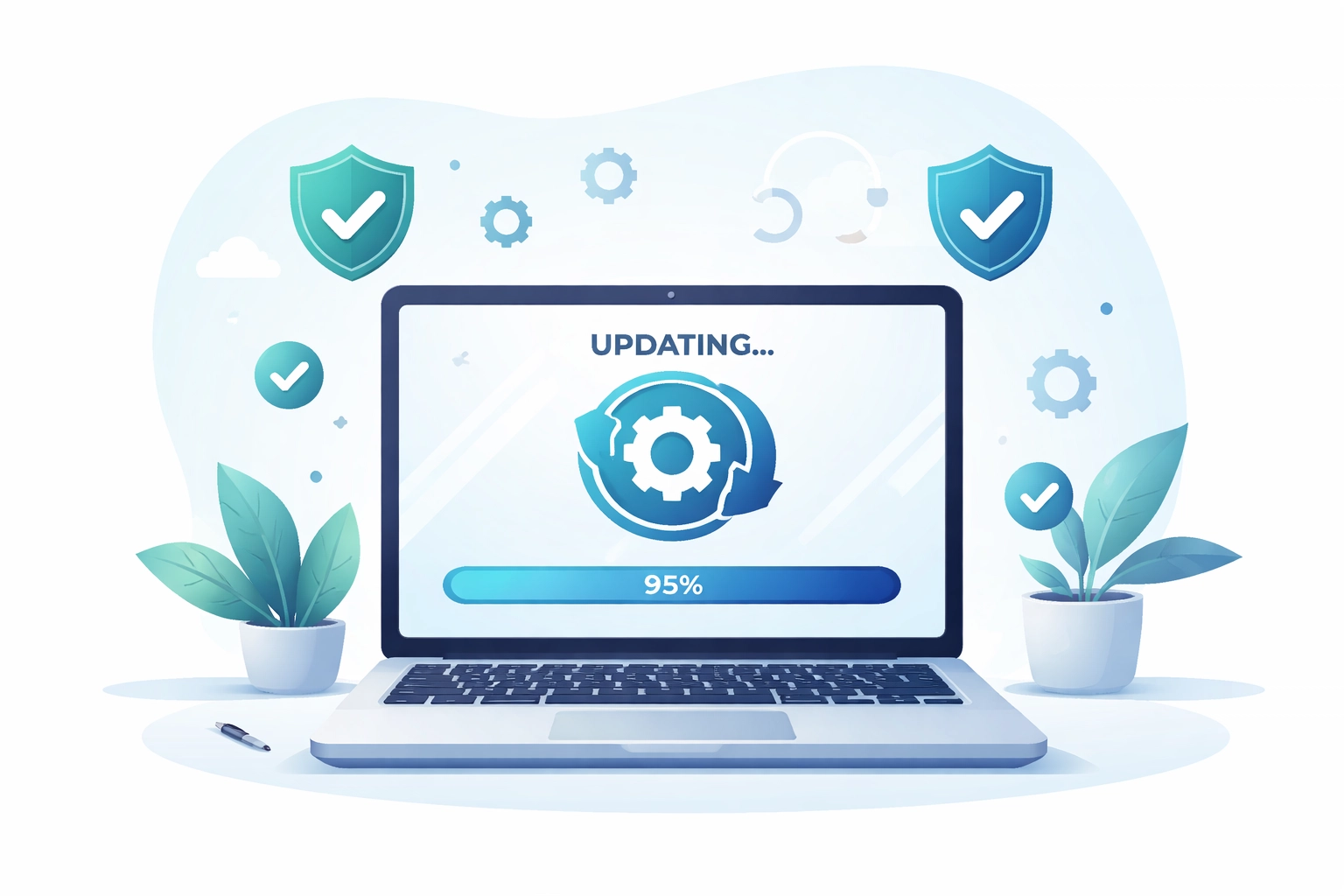
Hack #1: Automate Your Software Updates (Seriously, Stop Clicking "Remind Me Later")
We get it, those update notifications always seem to pop up at the worst possible time. But here's the truth: outdated software is one of the biggest reasons Petoskey businesses end up needing emergency computer repair.
Those updates aren't just about new features. They patch security vulnerabilities, fix bugs, and keep your systems running smoothly. When you skip them, you're essentially leaving the door open for problems.
What to do:
- Enable automatic updates for Windows, Microsoft 365, and your critical business applications
- Schedule updates to run overnight or during lunch breaks
- Make sure your antivirus definitions update automatically
This simple change can eliminate a surprising number of those frustrating "why is my computer acting weird?" moments.
Hack #2: Set Up Proactive System Monitoring
Imagine knowing your server is about to fail before it crashes and takes your whole team offline. That's the power of proactive monitoring.
Instead of waiting for employees to report problems (usually after they've already lost work), monitoring tools keep a constant eye on your systems. They track things like disk space, memory usage, network performance, and security threats, alerting you to potential issues before they become full-blown emergencies.
What to do:
- Implement monitoring software that tracks system health 24/7
- Set up alerts for critical thresholds (like when a hard drive hits 90% capacity)
- Review monitoring reports regularly to spot trends
For many Petoskey businesses, partnering with a pro-active IT support provider is the easiest way to get enterprise-level monitoring without the enterprise-level price tag.
Hack #3: Invest in Security Awareness Training for Your Team
Here's a stat that might surprise you: human error causes the majority of cybersecurity incidents. All the fancy security software in the world won't help if someone on your team clicks a phishing link or uses "password123" for everything.
Security awareness training turns your employees from your biggest vulnerability into your first line of defense. And it doesn't have to be boring or time-consuming.
What to do:
- Schedule quarterly security training sessions (even 30 minutes helps)
- Run simulated phishing tests to keep everyone sharp
- Create clear policies for handling suspicious emails and attachments
- Make it easy for employees to report potential threats without fear of blame
When your whole team knows how to spot threats, you'll spend a lot less time dealing with malware infections and data breaches.

Hack #4: Implement a Bulletproof Backup Strategy
Let's be honest: disasters happen. Whether it's a ransomware attack, a coffee spill on a laptop, or a power surge during a Northern Michigan storm, data loss can strike any business at any time.
The difference between a minor inconvenience and a business-ending catastrophe? A solid backup strategy.
What to do:
- Follow the 3-2-1 rule: 3 copies of your data, on 2 different types of media, with 1 copy stored offsite (or in the cloud)
- Automate your backups so they happen without anyone having to remember
- Test your backups regularly, a backup you can't restore from is worthless
- Keep backup documentation so anyone can restore data if needed
With proper backups in place, even the worst-case scenario becomes a quick recovery instead of a catastrophe.
Hack #5: Level Up Your Password Game
Still using the same password for multiple accounts? Writing passwords on sticky notes? We're not judging, but we are strongly encouraging you to stop.
Weak passwords are basically an open invitation for hackers, and compromised credentials are one of the most common ways businesses end up needing emergency computer repair and data recovery.
What to do:
- Implement a password management solution for your team
- Require strong, unique passwords for every account
- Enable multi-factor authentication (MFA) everywhere possible
- Create a policy for regular password changes on critical systems
Password managers make this easy. Your team only needs to remember one master password, and the software handles generating and storing complex passwords for everything else.

Hack #6: Schedule Regular Maintenance Windows
Your computers need regular tune-ups, just like your car. But most businesses only think about maintenance when something breaks, which is exactly backwards.
Scheduled maintenance windows give you time to clean up systems, run diagnostics, clear out temporary files, and address small issues before they snowball into big problems.
What to do:
- Block out monthly or quarterly maintenance windows on the calendar
- Use these windows to clean up disk space, run full system scans, and check for hardware issues
- Review and update security policies during maintenance periods
- Document what was done so you can track system health over time
Yes, it takes a little time upfront. But it's nothing compared to the hours (or days) you'd lose dealing with a preventable system failure.
Hack #7: Partner with a Local Pro-Active IT Support Provider
Here's the reality: most small businesses in Petoskey don't have the time, expertise, or budget to handle all of this themselves. And that's completely okay.
Partnering with a local managed service provider gives you access to pro-active IT support without hiring a full-time IT team. The right partner will monitor your systems 24/7, handle updates and maintenance, provide security training, and jump in fast when issues do arise.
What to look for:
- A provider with local presence in Northern Michigan who understands your business
- Pro-active monitoring and maintenance included in the service
- Fast response times and after-hours emergency support
- Transparent pricing without surprise charges
At NTS, we've been helping Petoskey businesses escape the computer repair cycle since 2015. We focus on stopping problems before they start, so you can focus on running your business.
How Pro-Active IT Support Saves You Time and Money
Still wondering if pro-active IT support is worth it? Let's break down the math.
The average small business loses $427 per minute during IT downtime. That includes lost productivity, missed sales, frustrated customers, and the scramble to get systems back online. Even a few hours of downtime each month adds up fast.
Now compare that to the cost of pro-active support, which typically runs a flat monthly fee with no surprises. When you prevent problems instead of reacting to them, you:
- Reduce downtime dramatically
- Extend the life of your hardware
- Avoid emergency repair costs (which are always higher than planned maintenance)
- Protect your data from ransomware and breaches
- Free up your time to focus on what actually makes you money
It's not just about saving money, it's about reclaiming your peace of mind.
FAQs: Pro-Active IT Support for Petoskey Businesses
Q: How is pro-active IT support different from regular computer repair?
A: Traditional computer repair is reactive, you call when something breaks. Pro-active IT support focuses on monitoring, maintenance, and prevention so problems are caught and fixed before they impact your business.
Q: Is pro-active IT support expensive?
A: Most pro-active IT services operate on a predictable monthly fee, which is often less than what businesses spend on emergency repairs and downtime. It's an investment that typically pays for itself.
Q: Can I try pro-active IT support before committing?
A: Yes! Many providers, including NTS, offer free assessments to help you understand your current risks and see how pro-active support could benefit your business.
Q: What if I already have an IT person?
A: Pro-active IT support can complement your existing staff by handling monitoring, after-hours support, and specialized expertise: giving your IT person more time to focus on strategic projects.
Ready to Break Free from the Computer Repair Cycle?
If you're tired of playing catch-up with technology problems, it's time to try a different approach. Pro-active IT support isn't just for big corporations: it's the smartest way for Petoskey businesses to protect their time, money, and sanity.
Want to see what pro-active IT support could look like for your business? Try NTS free or reach out for a no-pressure conversation about your IT needs. We'd love to help you spend less time on computer repair and more time growing your business.