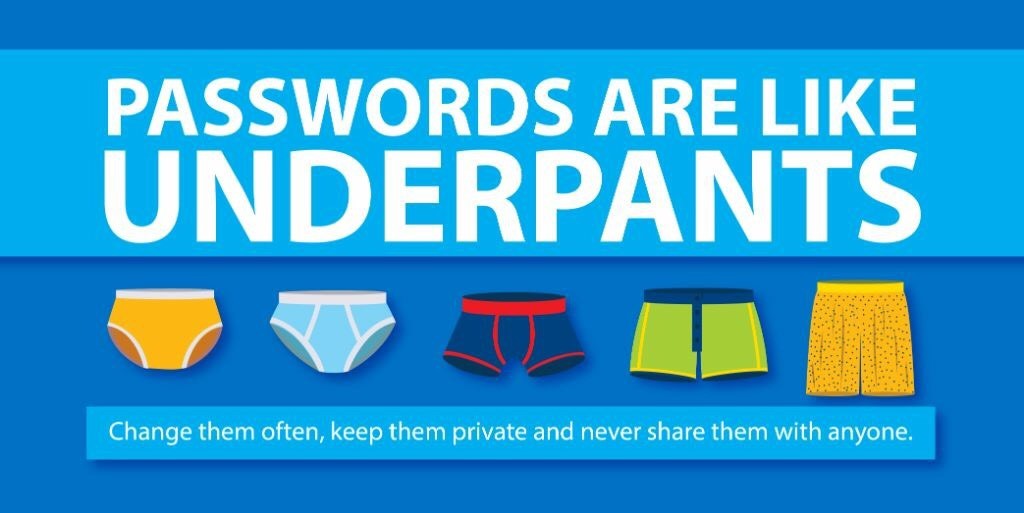

How many passwords do you think your business uses every single day? Between email accounts, Microsoft 365, banking portals, and cloud applications, the average employee juggles dozens of credentials. And let's be honest, most of those passwords probably aren't as strong as they should be.
Here's the thing: passwords have been the backbone of digital security for decades, but they're also one of the biggest vulnerabilities for small businesses. Weak passwords, reused credentials, and phishing attacks continue to plague organizations of all sizes. But there's a new player in town that's changing the game: passkeys.
So, which is better for your small business security, passkeys or passwords? Let's break it down in plain English.
What Exactly Are Passkeys?
Think of passkeys as the evolution of passwords. Instead of typing in a string of characters you have to remember (and probably wrote on a sticky note somewhere), passkeys use cryptographic technology tied to your device.
Here's how it works in simple terms:
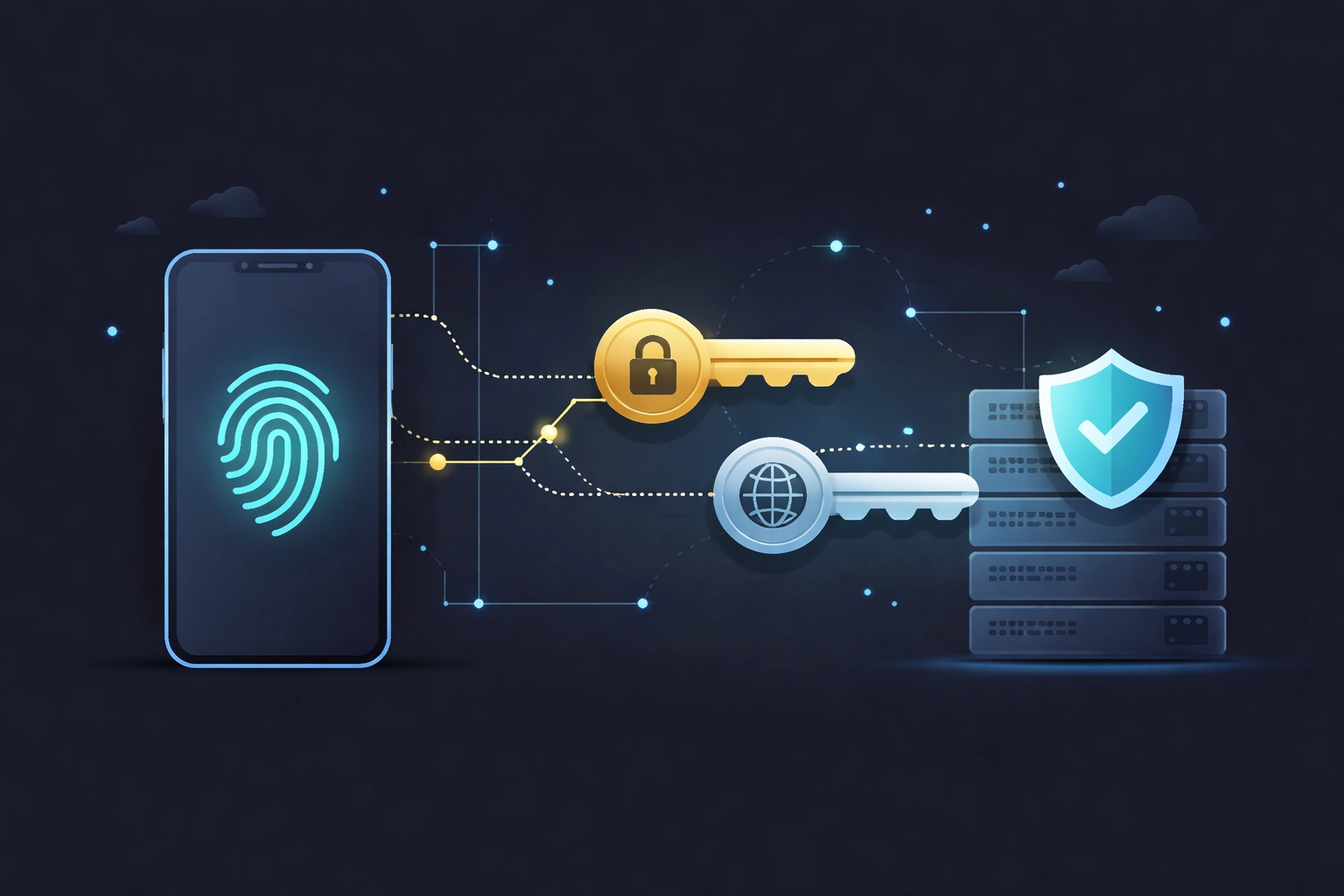
- When you create a passkey, two digital "keys" are generated, a public key stored on the website or service, and a private key stored securely on your device.
- To log in, you authenticate using something you already do every day: your fingerprint, face recognition, or device PIN.
- The website verifies your identity by matching the public and private keys together. No password ever leaves your device.
It's kind of like having a unique lock that only opens with your specific fingerprint. Even if someone steals the public key from a company's server, it's useless without the private key on your device.
Why Passwords Are Becoming a Problem
Let's face it, passwords have some serious flaws:
They're easy to guess or crack. Despite all the advice about creating complex passwords, studies show people still use things like "Password123" or their pet's name. Hackers love this.
They get reused everywhere. If an employee uses the same password for their work email and a random shopping site that gets breached, your business is now at risk.
Phishing attacks work too well. Cybercriminals are getting smarter. Those fake login pages look incredibly convincing these days, and all it takes is one click from a distracted employee.
Password management is a headache. Resetting forgotten passwords, enforcing complexity requirements, training employees on best practices, it all adds up to time and money.
For small businesses in Northern Michigan, these vulnerabilities can be especially dangerous. You might not have a dedicated IT team watching for threats 24/7, which makes proactive measures even more critical.
How Passkeys Solve These Problems
Passkeys address nearly every weakness that passwords have. Here's why they're a game-changer for small business security:
Phishing-Resistant by Design
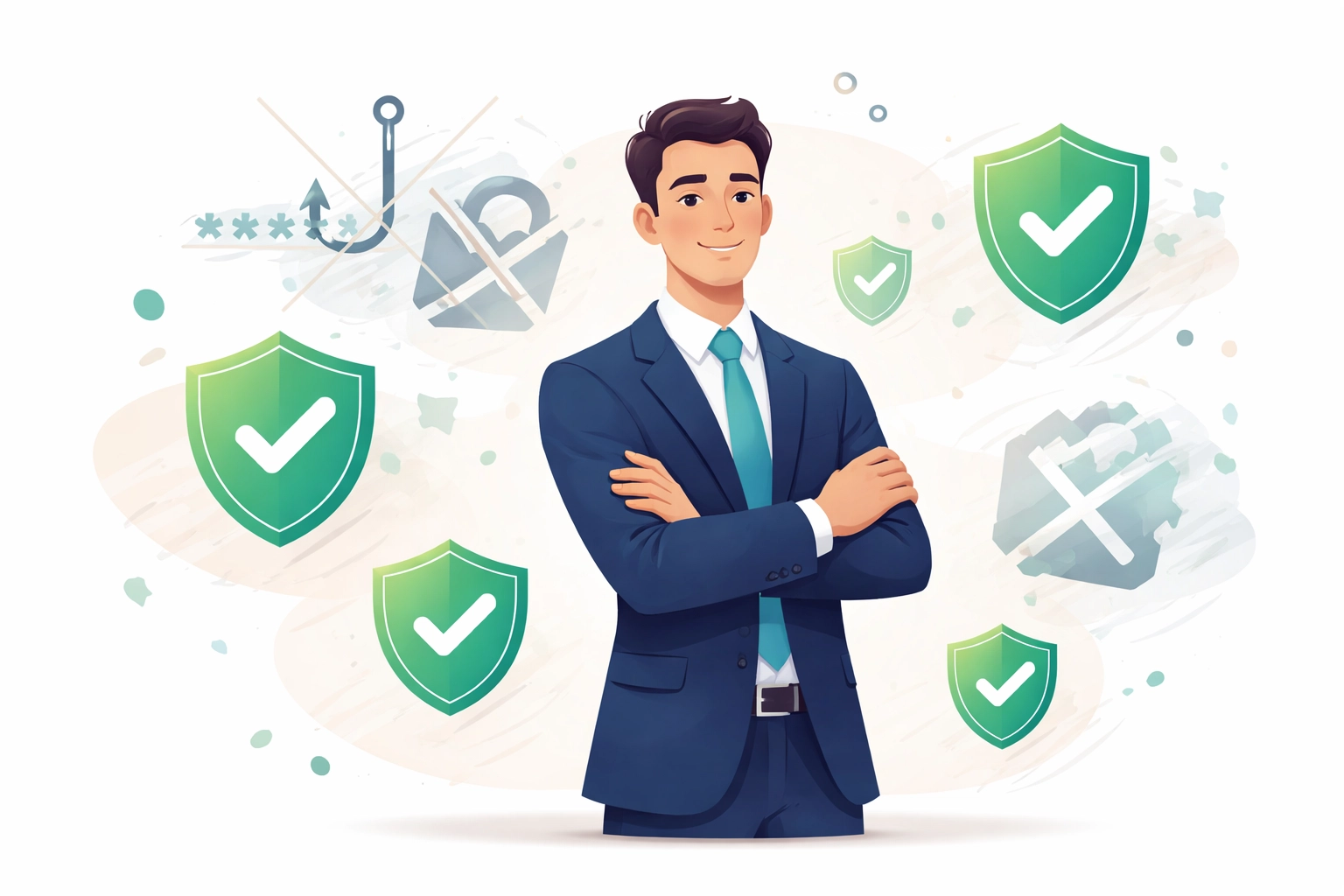
Remember those convincing fake login pages? Passkeys don't fall for them. Because the authentication is cryptographically tied to the specific legitimate website, a passkey simply won't work on a malicious copycat site. The technology literally prevents phishing attacks from succeeding.
No More Weak or Reused Credentials
With passkeys, there's nothing for employees to remember or reuse. The system generates everything automatically, and authentication happens through biometrics or your device's security. Human error? Practically eliminated.
Brute-Force Attacks Don't Work
Hackers can't crack what they can't access. Since the private key never leaves your device and the public key alone is useless, traditional brute-force and credential-stuffing attacks become ineffective.
Seamless User Experience
Here's a pleasant surprise: passkeys are actually easier to use than passwords. Logging in feels just like unlocking your phone. Fingerprint, face scan, done. No fumbling for a password manager or trying to remember if you used an exclamation point or a dollar sign.
The Benefits for Small Businesses
So what does all this mean for your business specifically? Let's talk practical benefits:
Reduced cyber risk. Fewer successful phishing attacks and credential compromises mean fewer security incidents to deal with. For small businesses, even one breach can be devastating.
Less IT support overhead. Think about how much time gets spent on password resets and helping employees who got locked out. Passkeys dramatically reduce these support tickets.
Improved productivity. When logging in takes a second instead of searching through notes or waiting for a reset email, your team gets more done.
Compliance advantages. Many industries require strong authentication practices. Passkeys can help you meet security requirements more easily.
If you're already working with pro-active IT support in Michigan, implementing passkeys can be a natural next step in strengthening your security posture.
Current Limitations to Consider
Now, passkeys aren't perfect, at least not yet. Here are a few things to keep in mind:
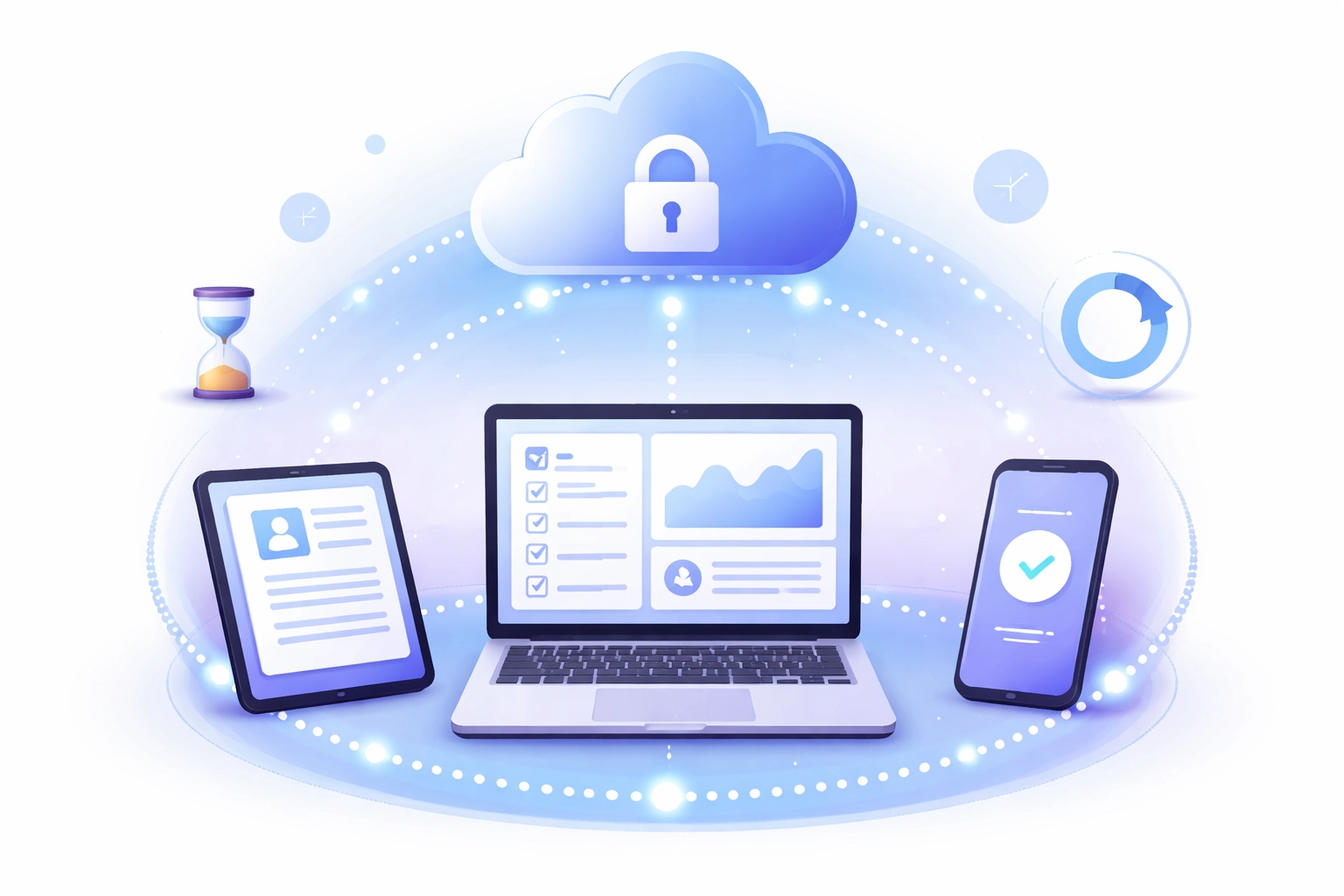
Device dependency. Passkeys are tied to specific devices. If an employee loses their phone or laptop, they'll need a recovery method. The good news? Major platforms like Apple, Google, and Microsoft now support passkey syncing across devices, making this less of an issue than it used to be.
Not universally supported yet. While adoption is growing fast (Google, Microsoft, and Apple are all on board), not every application or website supports passkeys. You may still need passwords for some services during the transition period.
Training and change management. Even though passkeys are simpler, any change requires some adjustment. Your team will need to understand how to set them up and what to do if something goes wrong.
A Practical Approach for Your Business
Here's what we recommend for small businesses looking to make the switch:
-
Start with critical accounts. Implement passkeys for your most sensitive systems first, email, financial tools, administrative dashboards. This gives you the biggest security boost right away.
-
Keep passwords as backup. During the transition, maintain password options for services that don't yet support passkeys. A hybrid approach reduces friction.
-
Work with local IT experts. Having Northern Michigan IT support guide you through implementation ensures everything is set up correctly and your team is properly trained.
-
Plan for device management. Make sure you have recovery procedures in place and consider how passkey syncing will work across your organization's devices.
-
Stay informed. The passkey landscape is evolving quickly. What's a limitation today might be solved tomorrow.
Frequently Asked Questions
Are passkeys really more secure than passwords?
Yes. Passkeys eliminate the most common attack vectors: phishing, credential reuse, and brute-force attacks. Industry leaders like Microsoft strongly recommend passkeys as part of modern security guidance.
What if I lose my device?
Most platforms now support passkey syncing through secure cloud services (like iCloud Keychain or Google Password Manager). You can also set up backup authentication methods during initial setup.
Do passkeys work with Microsoft 365?
Microsoft is actively rolling out passkey support across its services. If your business relies heavily on Microsoft 365, this is definitely something to discuss with your IT provider.
How long does it take to implement passkeys?
For most small businesses, the technical setup is straightforward. The bigger consideration is planning the rollout and training your team: typically a few weeks with proper support.
Ready to Strengthen Your Security?
The shift from passwords to passkeys isn't just a trend: it's the future of authentication. And for small businesses in Northern Michigan, adopting passkeys now means getting ahead of cyber threats before they become problems.
Whether you're curious about passkeys or ready to implement them across your organization, having the right IT partner makes all the difference. At NTS, we specialize in helping local businesses navigate these changes smoothly and securely.
Want to see how passkeys and other proactive security measures could work for your business? Reach out to our team for a free assessment. We're here to help you stay secure, productive, and ahead of the curve.