
Microsoft 365 is everywhere these days – and for good reason. It's powerful, flexible, and can transform how your business operates. But here's the thing: most businesses aren't using it anywhere near its full potential. In fact, they're making critical mistakes that cost them time, money, and productivity every single day.
If you're a business owner in Petoskey or anywhere in northern Michigan, you're probably juggling a million things already. The last thing you need is technology that's supposed to help you actually making things harder. So let's cut through the confusion and tackle the seven biggest Microsoft 365 mistakes we see businesses making – and more importantly, how to fix them quickly.
Mistake #1: Using Your Daily Work Account as the Global Administrator
This one's huge, and honestly, we see it all the time. You set up Microsoft 365, and naturally, you make your main work email the global administrator. Makes sense, right? You're the boss, you need access to everything.
But here's the problem: if your account gets compromised (and it happens more than you'd think), hackers don't just get access to your email. They get the keys to your entire digital kingdom – licenses, sensitive data, user accounts, the works.
The Fix: Set up a dedicated admin account that you only use for administrative tasks. Keep it separate from your daily email account. And while you're at it, create at least one backup admin account in case the first one gets locked out. Think of it like having spare keys to your office – you hope you'll never need them, but you'll be grateful they exist if you do.

Mistake #2: Turning SharePoint Into a Digital Junk Drawer
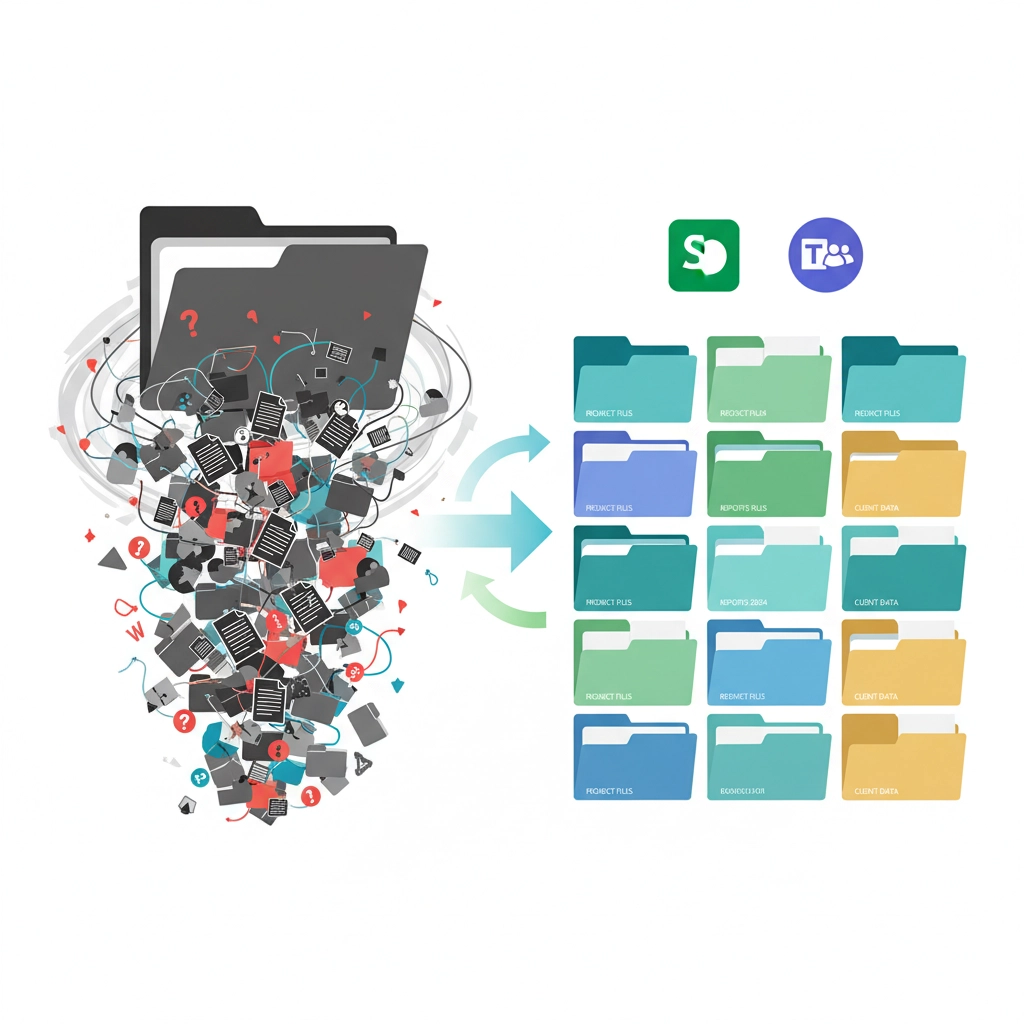
We get it. When you first start using SharePoint, it feels natural to create one big folder and dump everything in there. It's simple, it's straightforward, and everyone can find it, right?
Wrong. Fast forward six months, and you've got thousands of files, duplicate documents everywhere, broken links, and nobody can find anything. It's like that junk drawer in your kitchen, but worse because your entire team has to dig through it.
The Fix: Take an hour to organize your files properly. Create separate SharePoint sites for different departments or projects. Use Teams channels to keep related conversations and files together. Yes, it takes a bit more effort upfront, but your future self (and your employees) will thank you when they can actually find what they're looking for.
Mistake #3: Storing Team Files in Personal OneDrive Accounts
This mistake usually happens innocently enough. Someone creates a document in their personal OneDrive, shares it with the team, and everyone collaborates on it there. Problem solved, right?
Not quite. When that employee leaves your company (and they will, eventually), all those "shared" files go with them. Suddenly, your team can't access critical documents, and you're scrambling to recover months or years of work.
The Fix: Use OneDrive for personal drafts and individual work, but move final versions and shared documents to SharePoint or Teams. This way, files belong to your organization, not to individual employees. When someone leaves, the work stays behind where it belongs.
Mistake #4: Playing Email Tag to Schedule Meetings
"When are you free next week?" "How about Tuesday at 2?" "Actually, I have a conflict then. What about Wednesday at 10?" "Let me check my calendar and get back to you…"
Sound familiar? This back-and-forth scheduling dance wastes everyone's time and often leads to double bookings or missed opportunities.
The Fix: Use the "Bookings with me" feature in Outlook. It connects to your calendar and lets people pick available time slots automatically. No more email tennis, no more scheduling conflicts, and definitely no more "I thought we were meeting at 2, not 3."
Mistake #5: Using Email for Project Updates
Email chains for project updates are productivity killers. Important information gets buried in long threads, people get left off replies, and before you know it, half your team is working with outdated information.
Plus, when someone new joins a project, good luck getting them caught up on three months of scattered email conversations.
The Fix: Move project discussions to Teams channels. Everyone can see the conversation, reply in real-time, and new team members can catch up by scrolling through the history. It's like having a conference room that never closes and keeps perfect notes of every meeting.
Mistake #6: Creating Document Version Chaos
"Final_Report.docx" becomes "Final_Report_v2.docx" which becomes "Final_Report_FINAL.docx" which somehow becomes "Final_Report_FINAL_FINAL_USE_THIS_ONE.docx."
We've all been there. But this version naming madness leads to confusion, lost work, and the dreaded "Wait, which version are we using?" conversations.
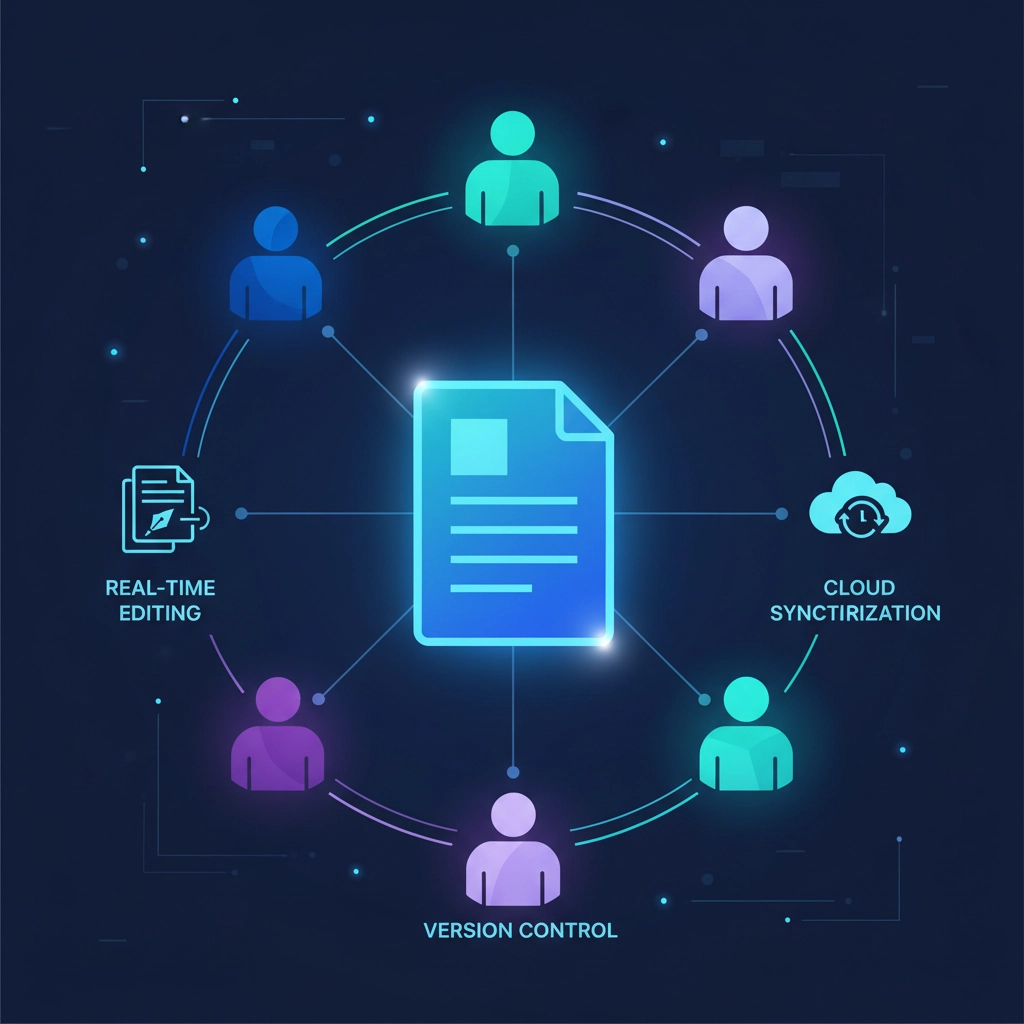
The Fix: Stop adding version numbers to file names. Instead, save documents to SharePoint or OneDrive and let Microsoft handle versioning automatically. You can see the history of changes, roll back to previous versions if needed, and multiple people can edit the same document at the same time without creating conflicts.
Mistake #7: Getting Your Licensing All Wrong
This is where businesses either waste serious money or leave productivity gains on the table. We see two common scenarios: buying premium licenses for employees who only need email and basic Office apps, or cheaping out on licenses for power users who could benefit from advanced features.
The Fix: Take inventory of what your team actually needs. Your receptionist probably doesn't need Power BI and advanced analytics tools, but your sales manager might benefit from those premium features. Review your licenses quarterly – not just when someone complains they can't access something.
Microsoft offers flexible licensing options, so you can scale up or down as your business changes. And yes, this stuff can get complex, which is why many Petoskey businesses work with local IT experts who understand both Microsoft licensing and the unique needs of northern Michigan companies.
The Bottom Line: Small Changes, Big Impact
Here's what's encouraging: none of these mistakes are unfixable. Most of them can be resolved in an afternoon, and the productivity gains start showing up almost immediately.
The key is not trying to fix everything at once. Pick one or two mistakes that are causing your team the most pain right now and tackle those first. Maybe it's the file organization chaos, or perhaps those endless email chains are driving everyone crazy. Start there.
Ready to Get Microsoft 365 Working FOR Your Business?
If you're feeling overwhelmed by all this, you're not alone. Microsoft 365 is incredibly powerful, but it's also complex. That's why many successful Petoskey businesses partner with local IT experts who can help them avoid these common pitfalls and actually leverage the tools they're already paying for.
The good news? You don't have to figure this out on your own. A quick assessment can identify which of these mistakes are costing your business the most, and a solid plan can get you back on track faster than you might think.
Your Microsoft 365 investment should be making your business more efficient, more secure, and more profitable – not more frustrating. If it's not doing that right now, it's time to make some changes.
Want to see where your Microsoft 365 setup stands and get specific recommendations for your Petoskey business? Reach out to our team for a no-obligation assessment. We'll help you turn Microsoft 365 from a source of frustration into the productivity powerhouse it was designed to be.